If you’re looking for the Best Landscaping Websites, then this article is the perfect place to start. We have compiled a list of 40 Landscape Design Websites that we think are the best on the internet. This post will help you find what you’re looking for without having to spend hours browsing through page after page of Landscape Design sites.
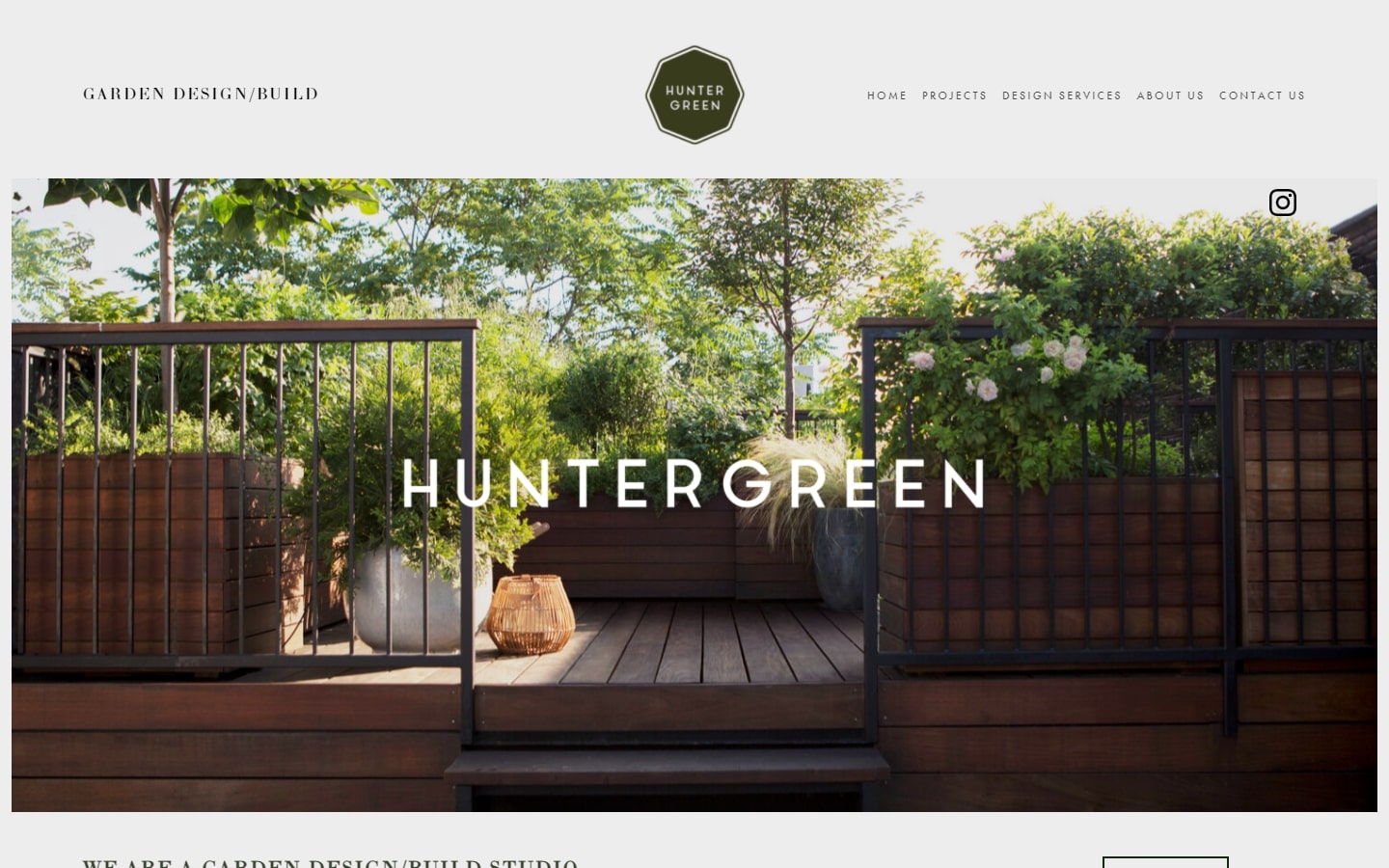
1. Huntergreen
Why it works: Calm and airy, light yet rich in experience. Huntergreen’s website is the epitome of class, simplicity, and quality.
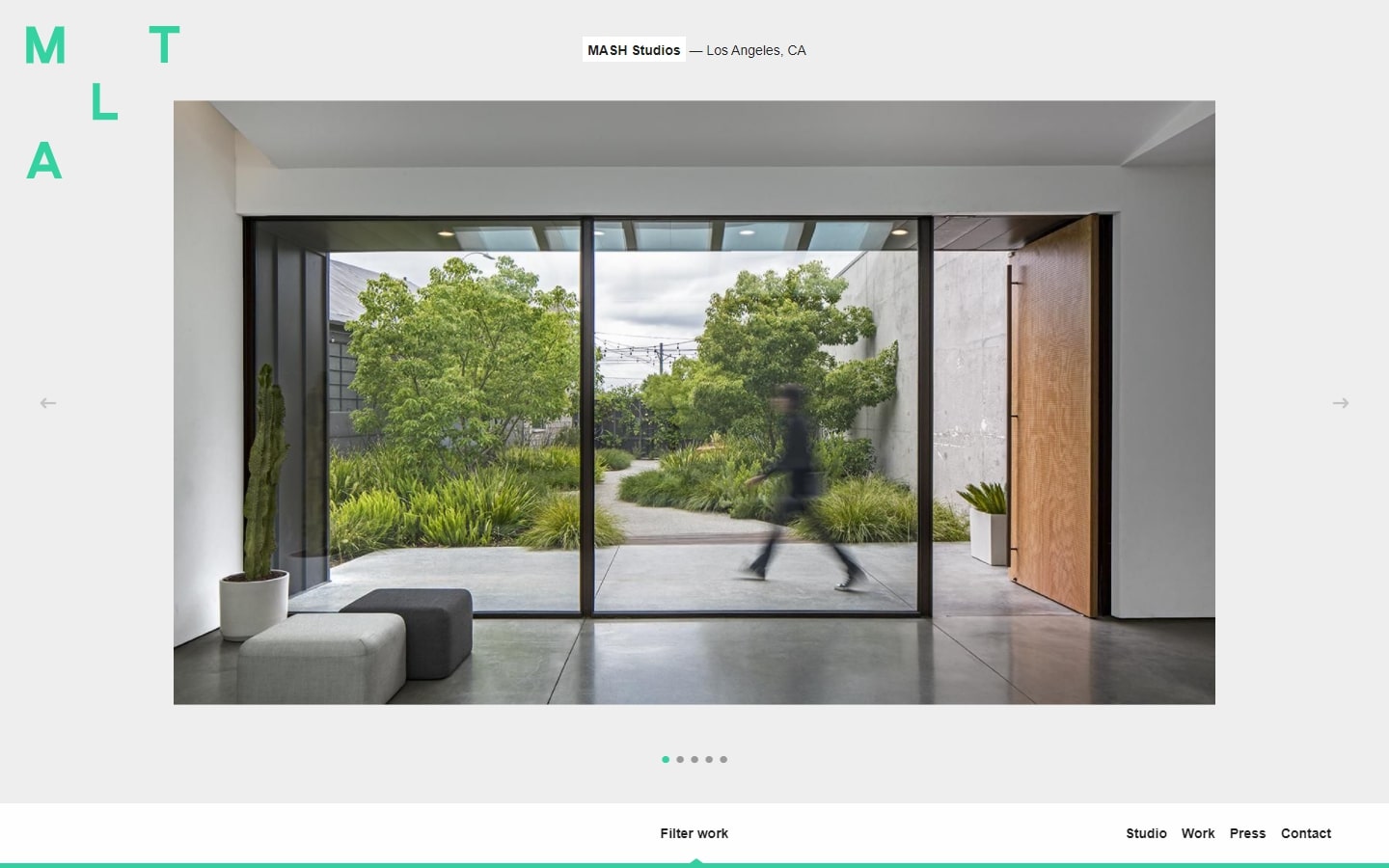
2. Mark Tessier
Why it works: The website is designed with a modern theme and lots of features. The layout is very original, especially the gallery part. All of their content feels organized, especially as it relates to branding.
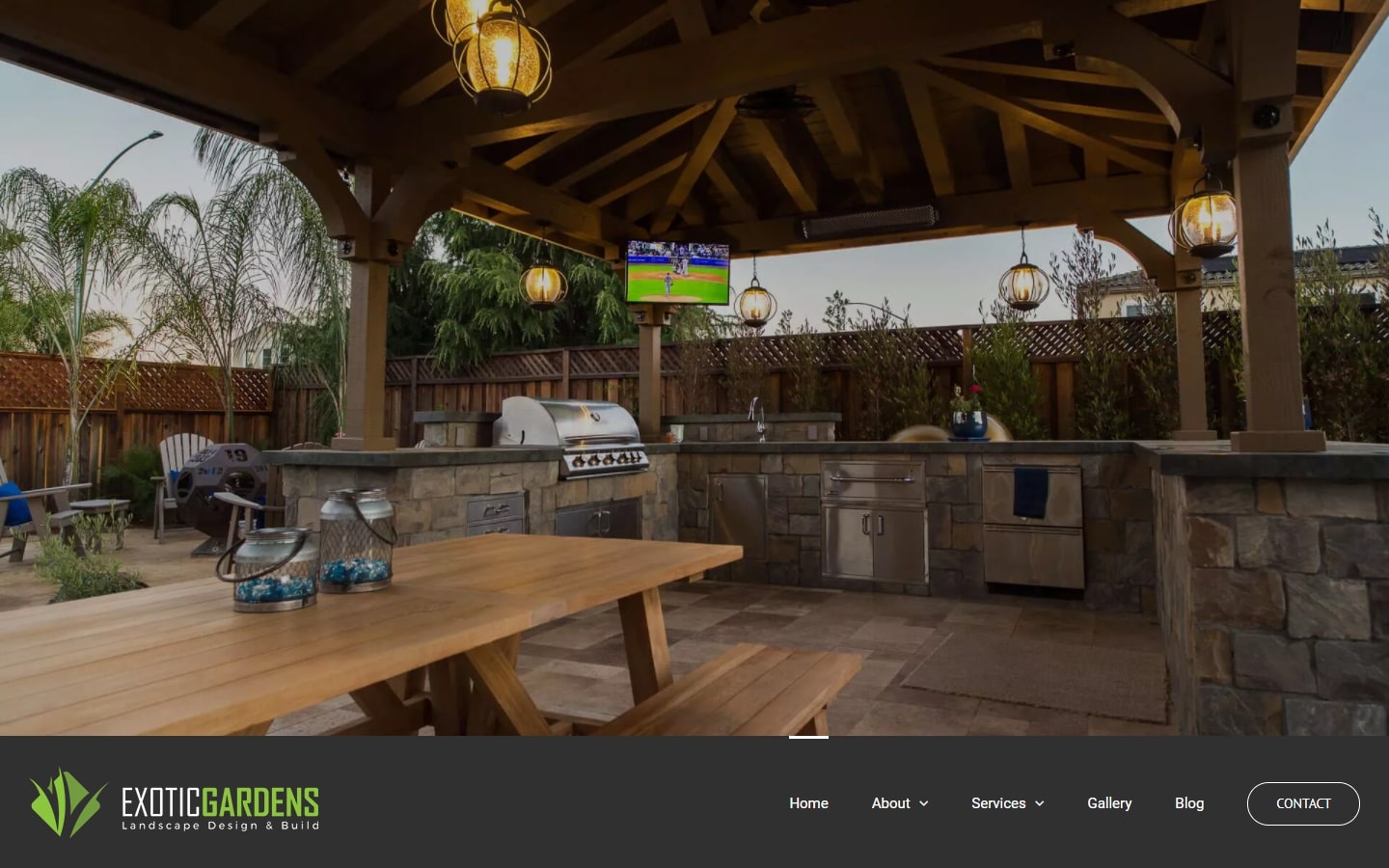
3. Exotic Gardens
Why it works: A good design should not only catch your eye with its aesthetics but be visually pleasing and easy to navigate. We like how they put the navigation at the bottom of the page so that we could see more of their work upfront. The layout was also a snap on the eyes; it wasn’t too busy looking with a clean, sleek design.
https://exoticgardenslandscaping.com
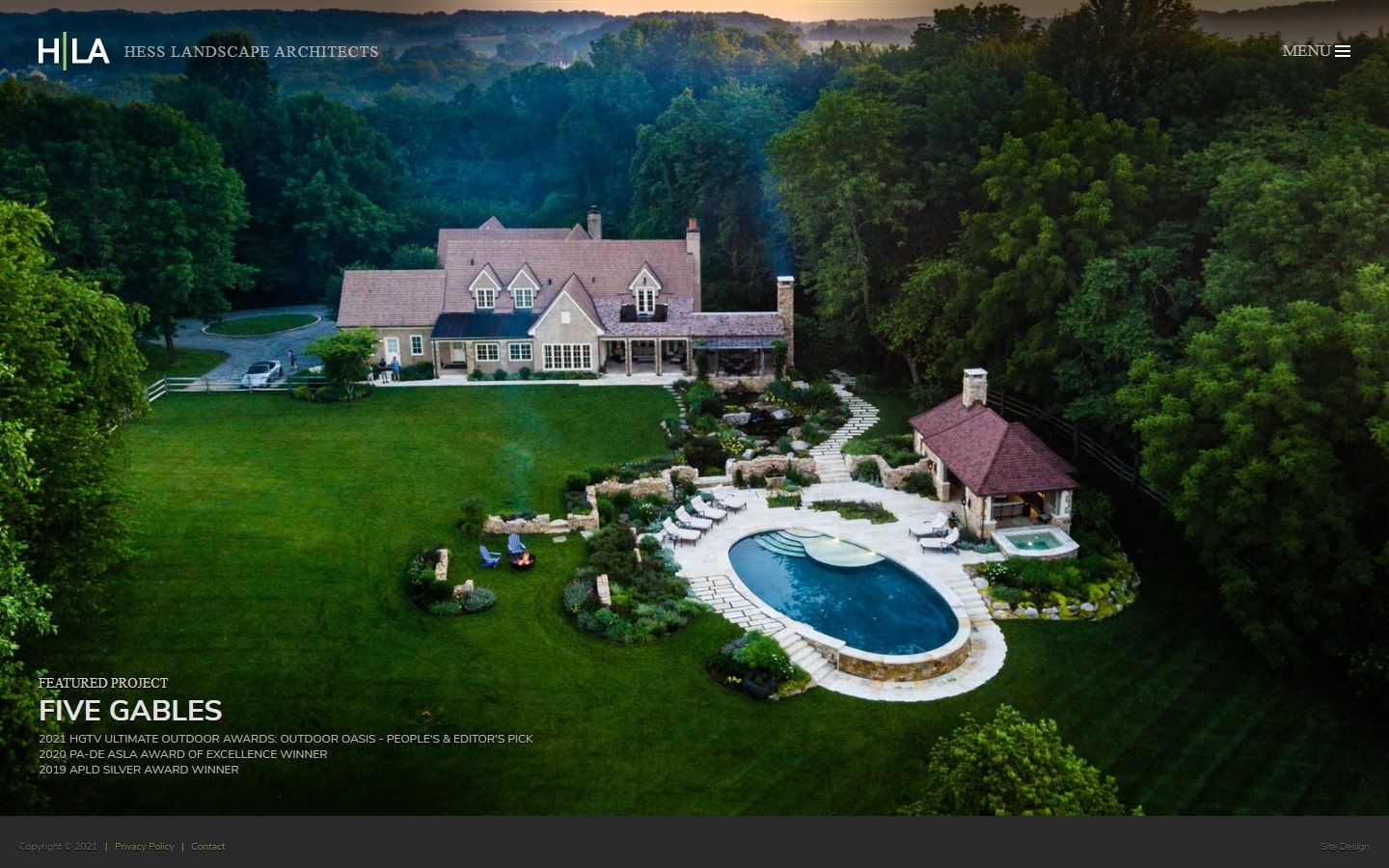
4. Hess Landscape Architects
Why it works: Hess’ website may not have much content, but its gallery is outstanding. Beautiful crisp photography, excellent work quality, and an intuitively designed website are just some of the reasons it’s worth a visit.
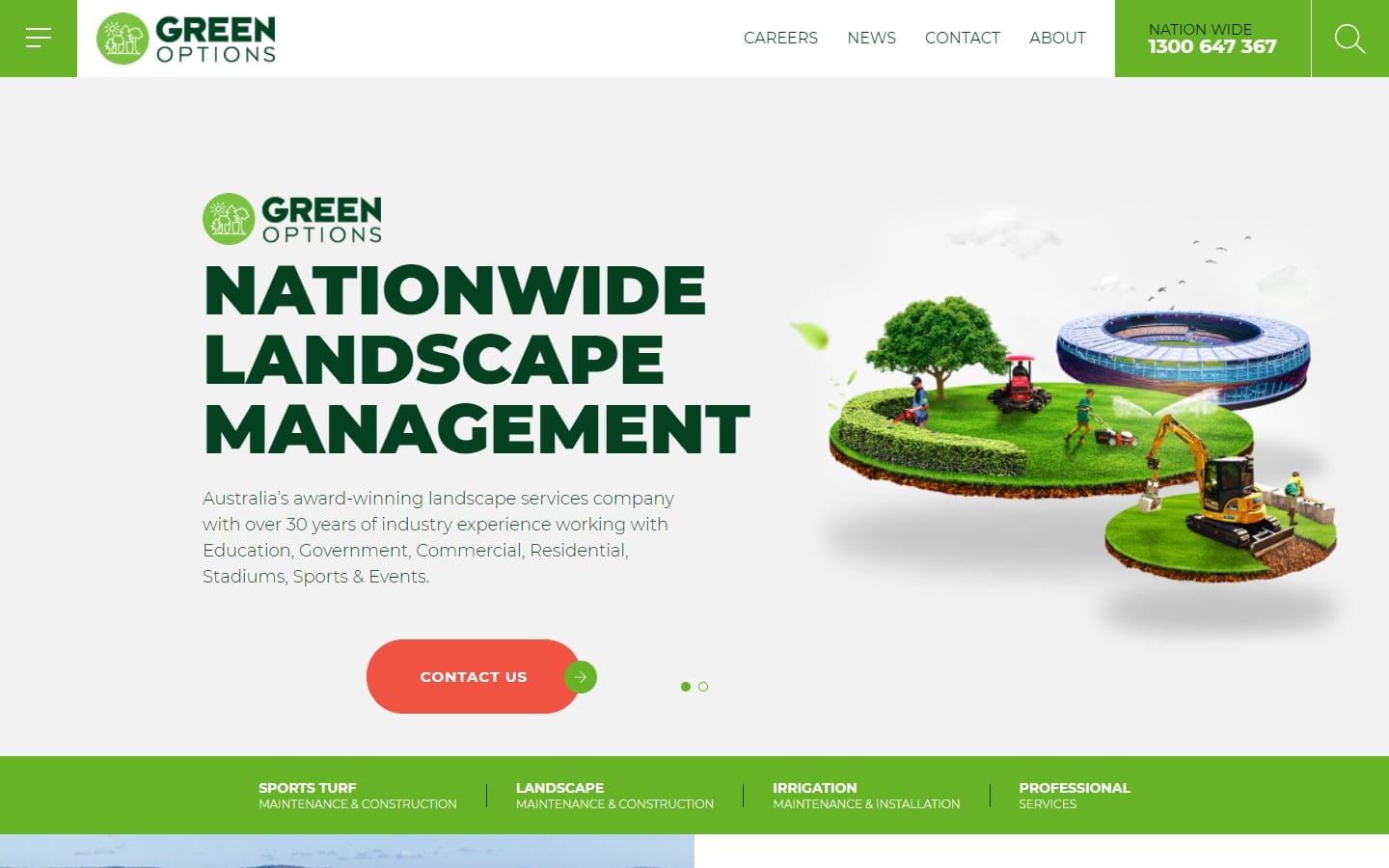
5. Green Options
Why it works: The custom web design of this page is one that we love. The floating images, lively colors, and easy-to read texts make it appealing to everyone who visits.
Best Landscaping Websites
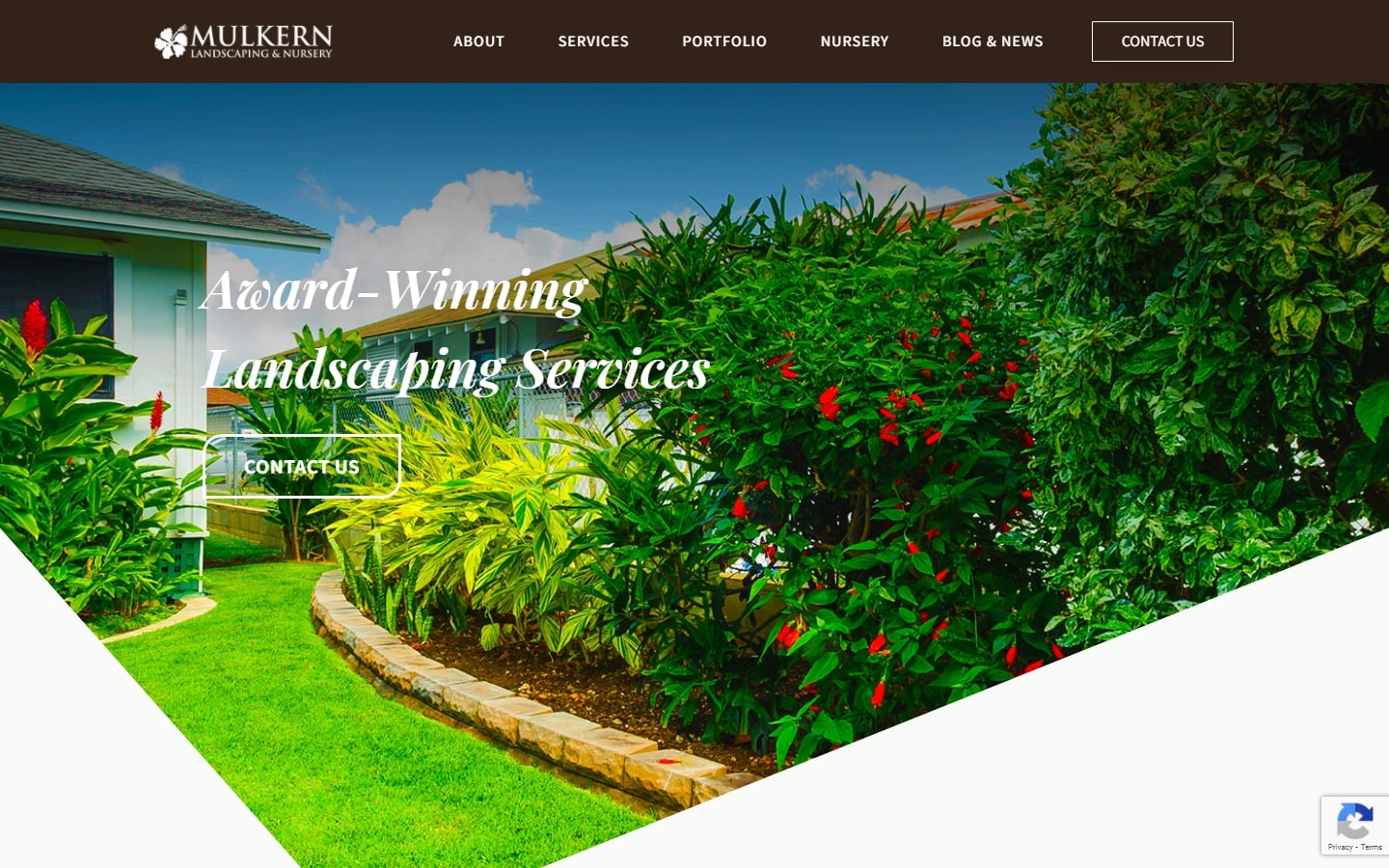
6. Mulkern Landscaping & Nursery
Why it works: The website has a fun and eye-catching hero section with bold colors to catch the reader’s attention. Large, clear images are used on every page so that everything that the business offers is visible at a quick glance. There’s a flexible layout in light of changing needs, but still maintains an overall professional appearance.
https://mulkernlandscaping.com
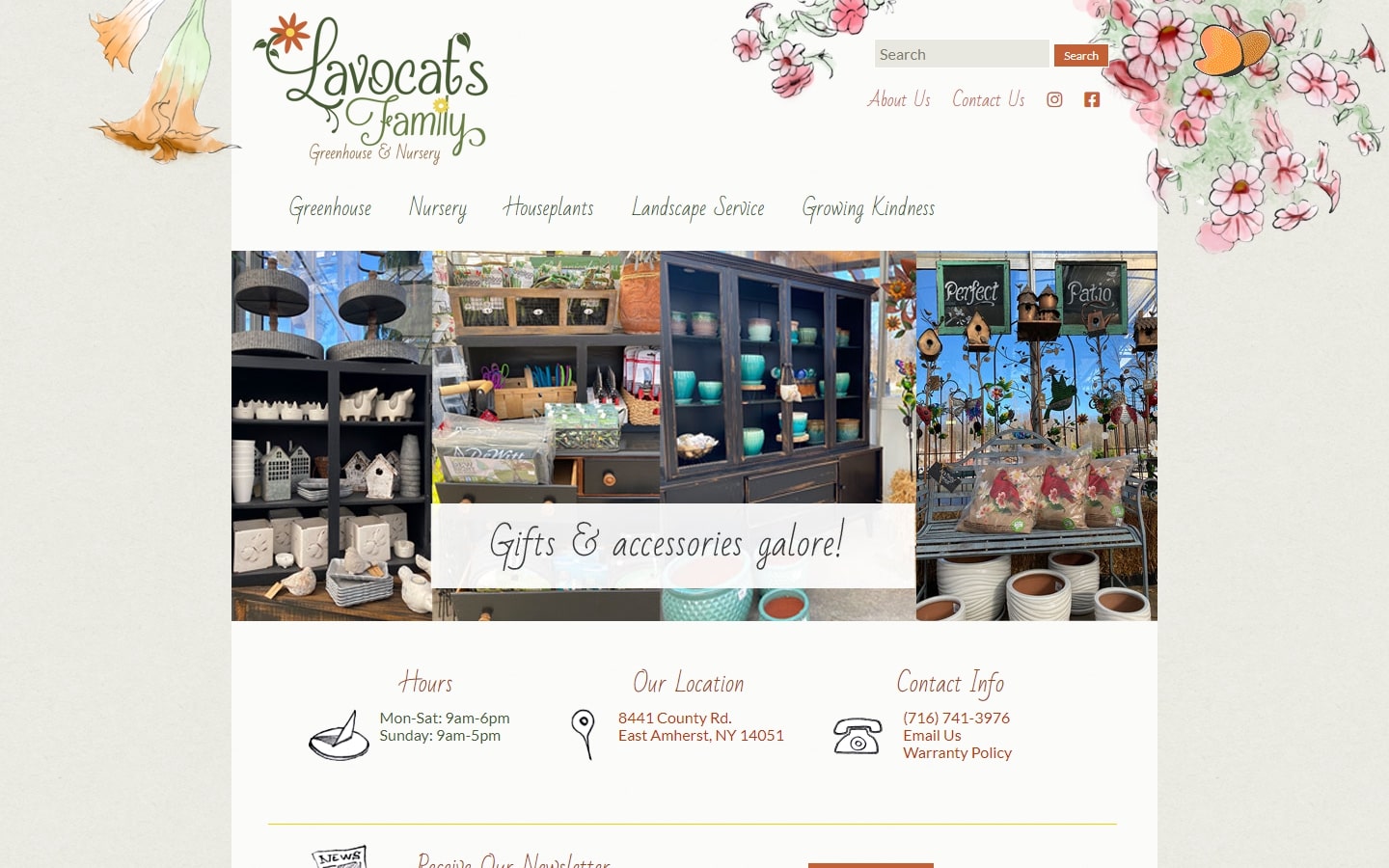
7. Lavocat’s Family
Why it works: This may not be the most modern design, but we think it’s a step up from other sites in our list. The graphics are subtle and beautifully done with an animation of a butterfly for example.
http://www.lavocatsnursery.com
8. Elizabeth Peña
Why it works: Website navigation menu is well designed with a clean, minimalistic layout that looks good on any device. Photos are showcased without cluttering the page and taking away from content.
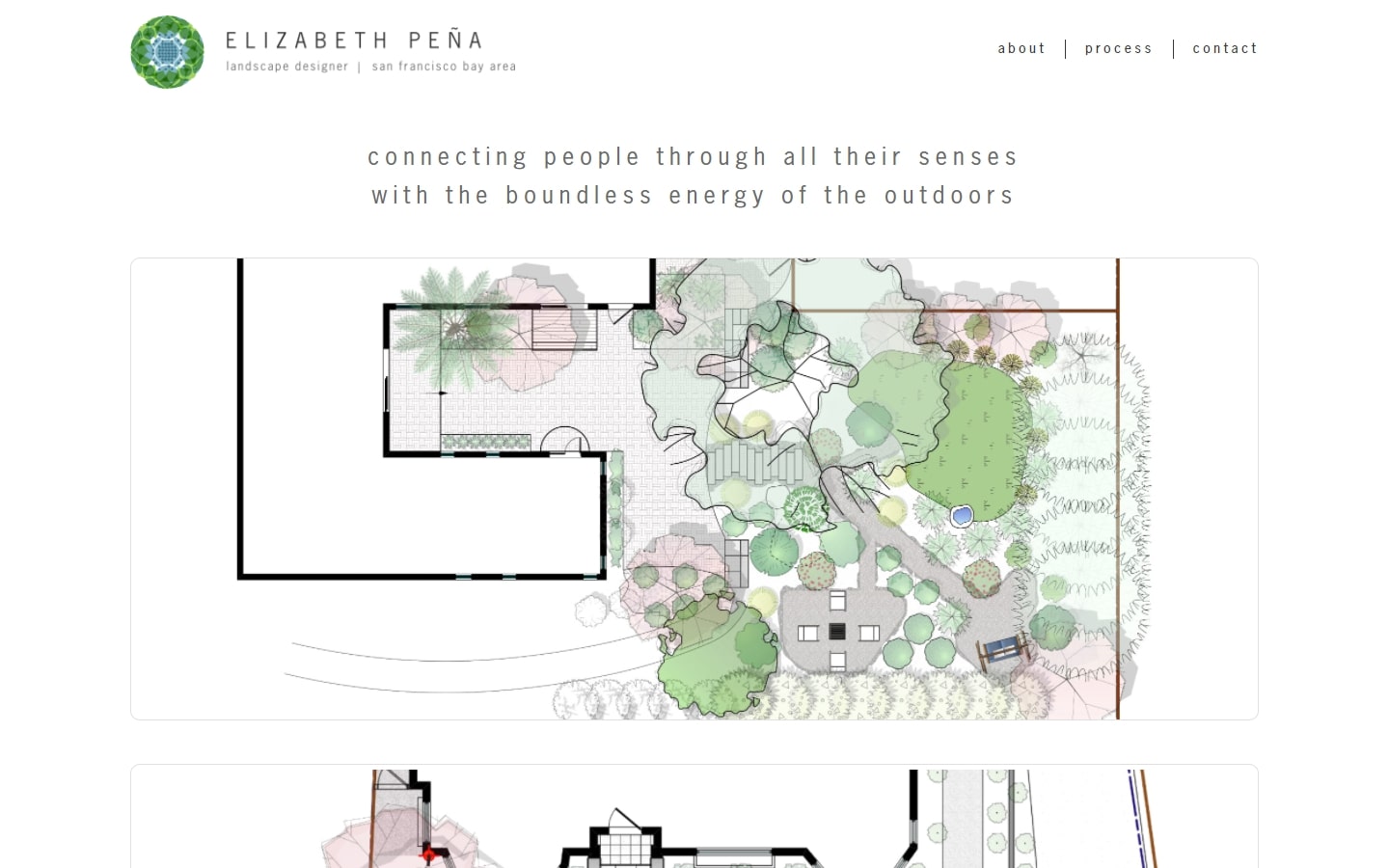
https://elizabethpenalandscapedesigner.com
9. MBC
Why it works: Designed with a lot of features, this site offers modern, timely content for both homeowners and commercial buyers. It also has a unique logo that doesn’t veer away from the overall feel of the site.
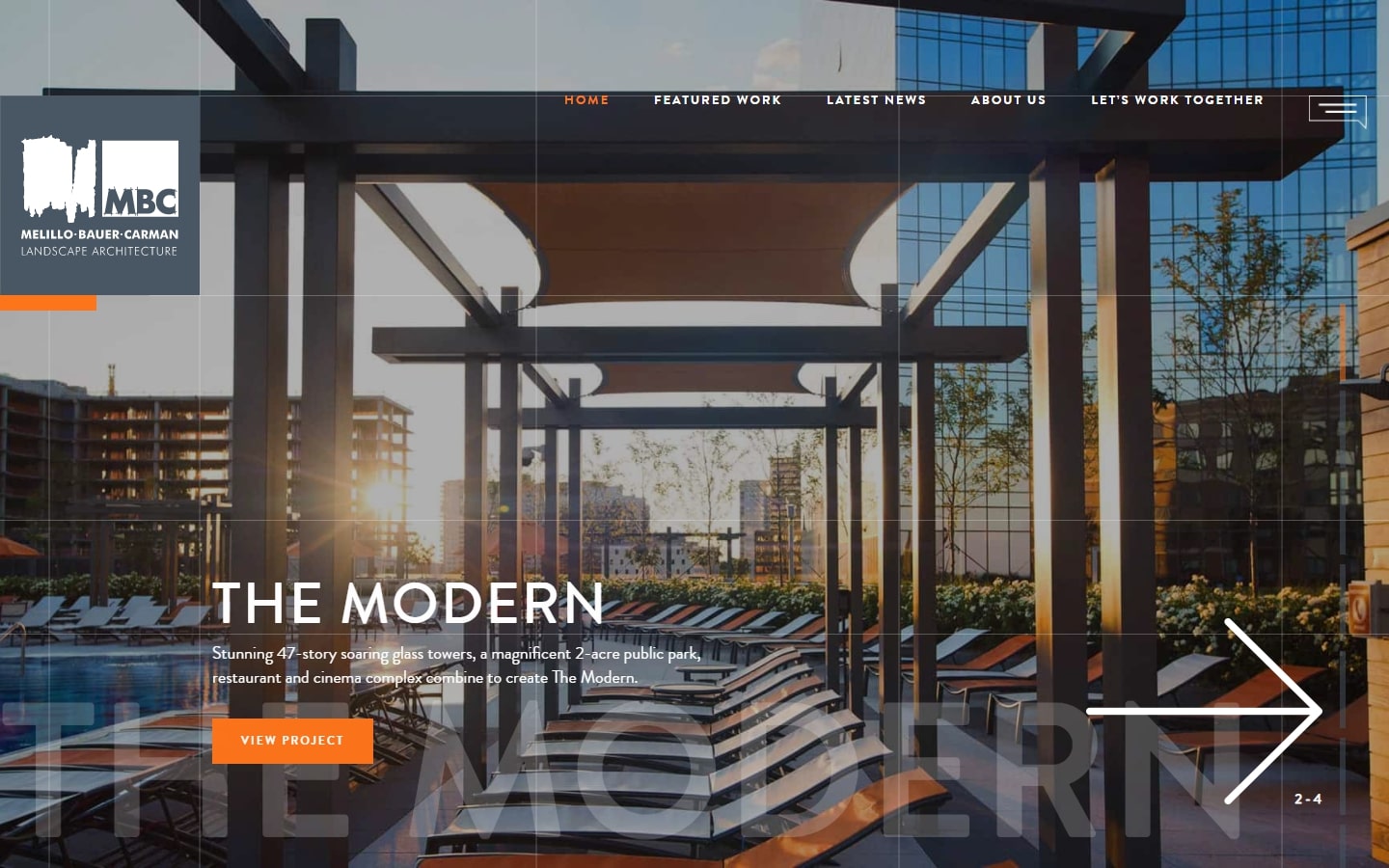
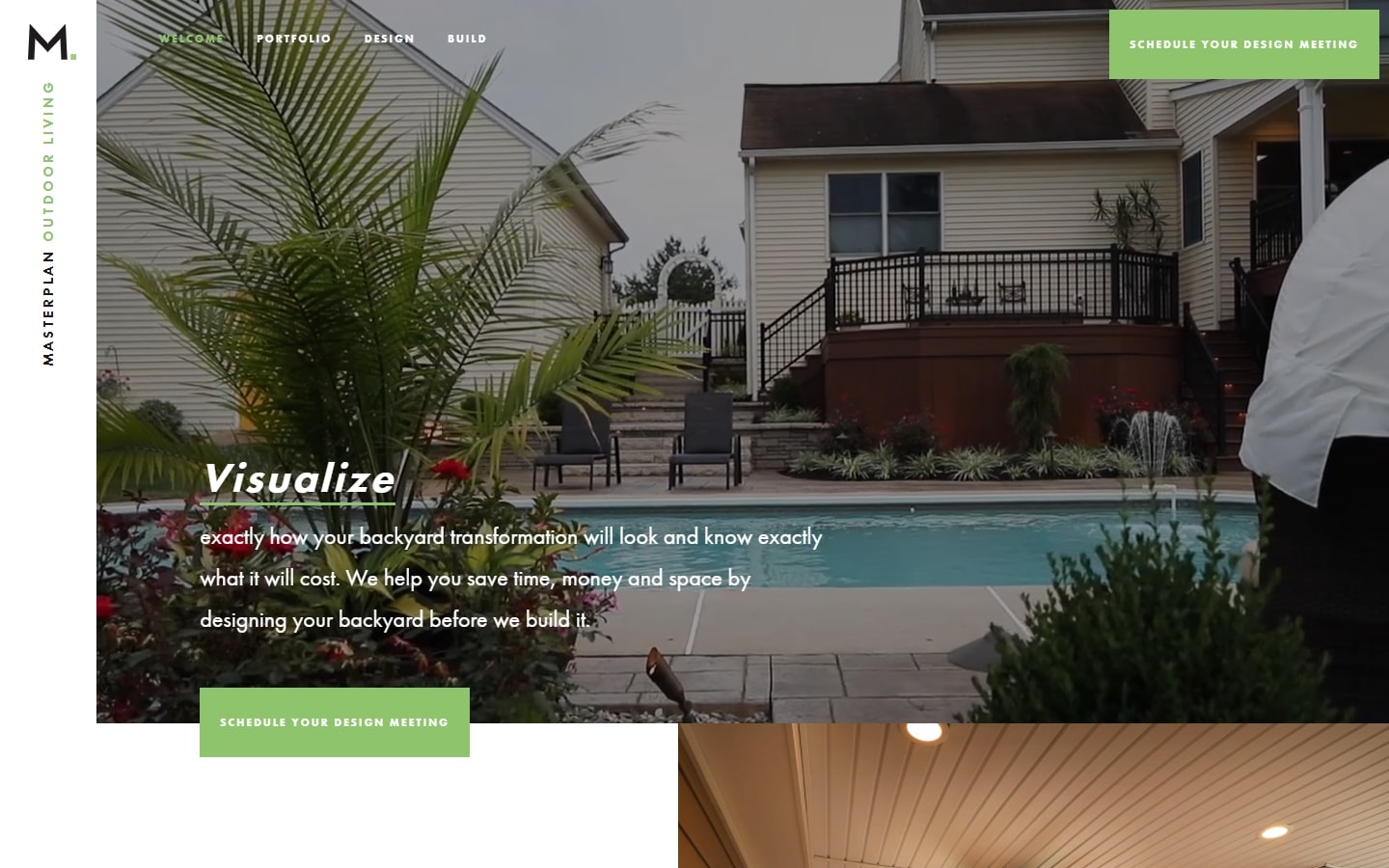
10. Masterplan
Why it works: The landscaping website is clean and modern with just enough text and images. Even the embedded video in the header doesn’t overshadow the other content on the page. The whole site feels very welcoming – a perfect place to find new ideas for your garden!
Landscaping Website Design
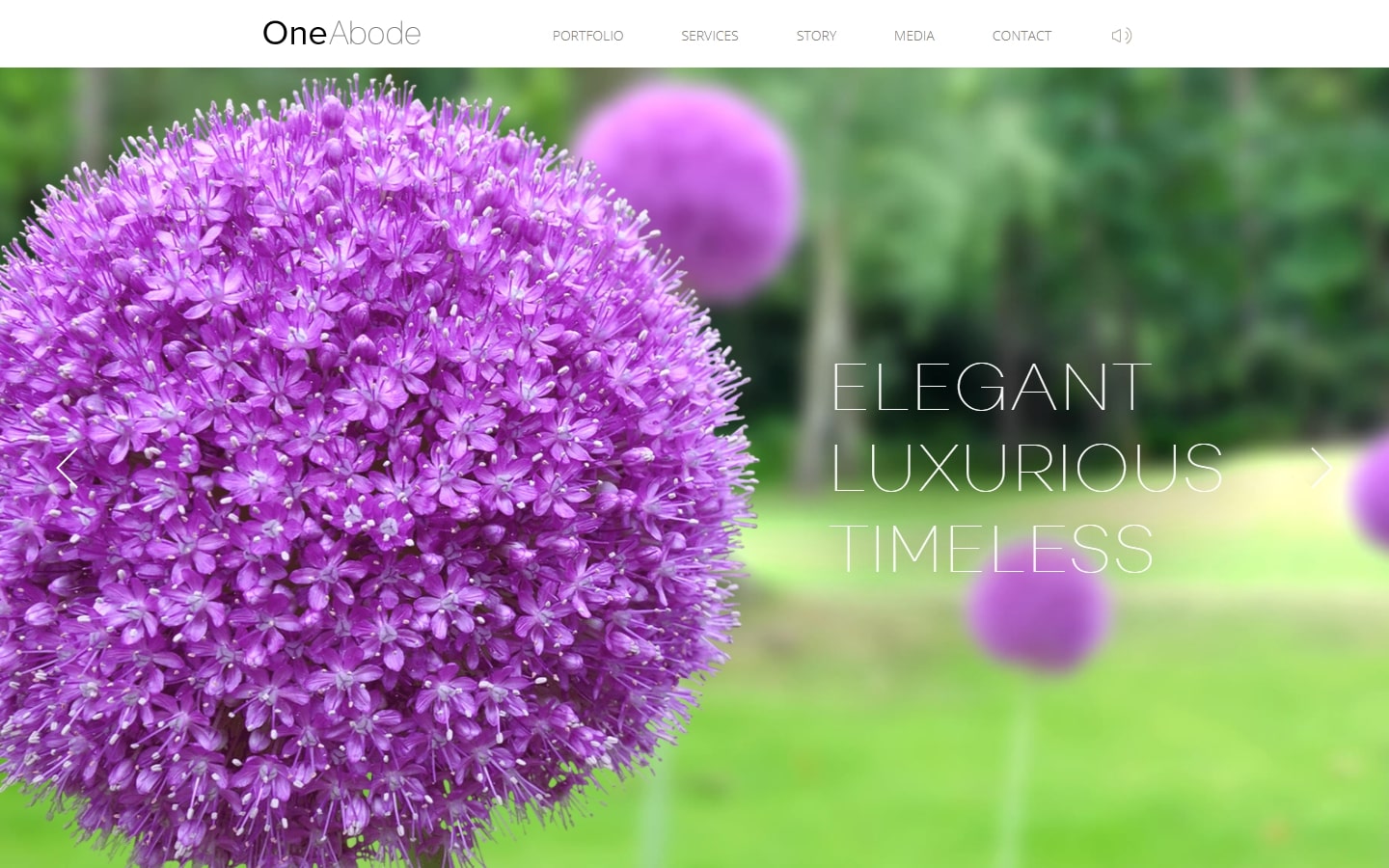
11. OneAbode
Why it works: Aside from incorporating soothing instrumental music, the site is considered to be elegant and timeless.
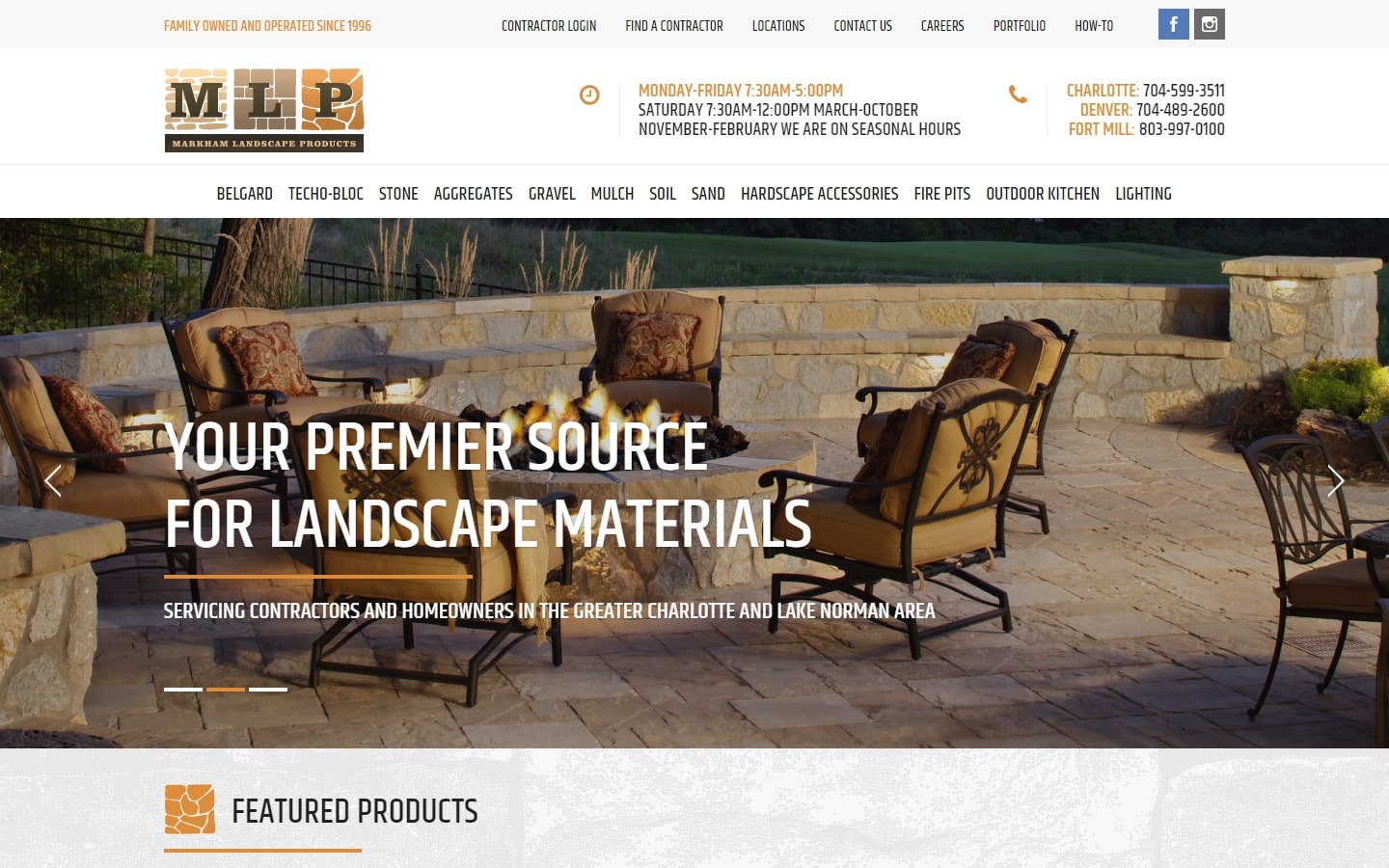
12. Markham Landscape Products
Why it works: A very professional-looking website is from MLP. Unlike the usual landscape websites, which usually favor green shades, this website employs a unique color palette. With a clean layout and appropriate fonts, we would say that this site stands out among other sites for its design alone.
https://www.markhamlandscape.com
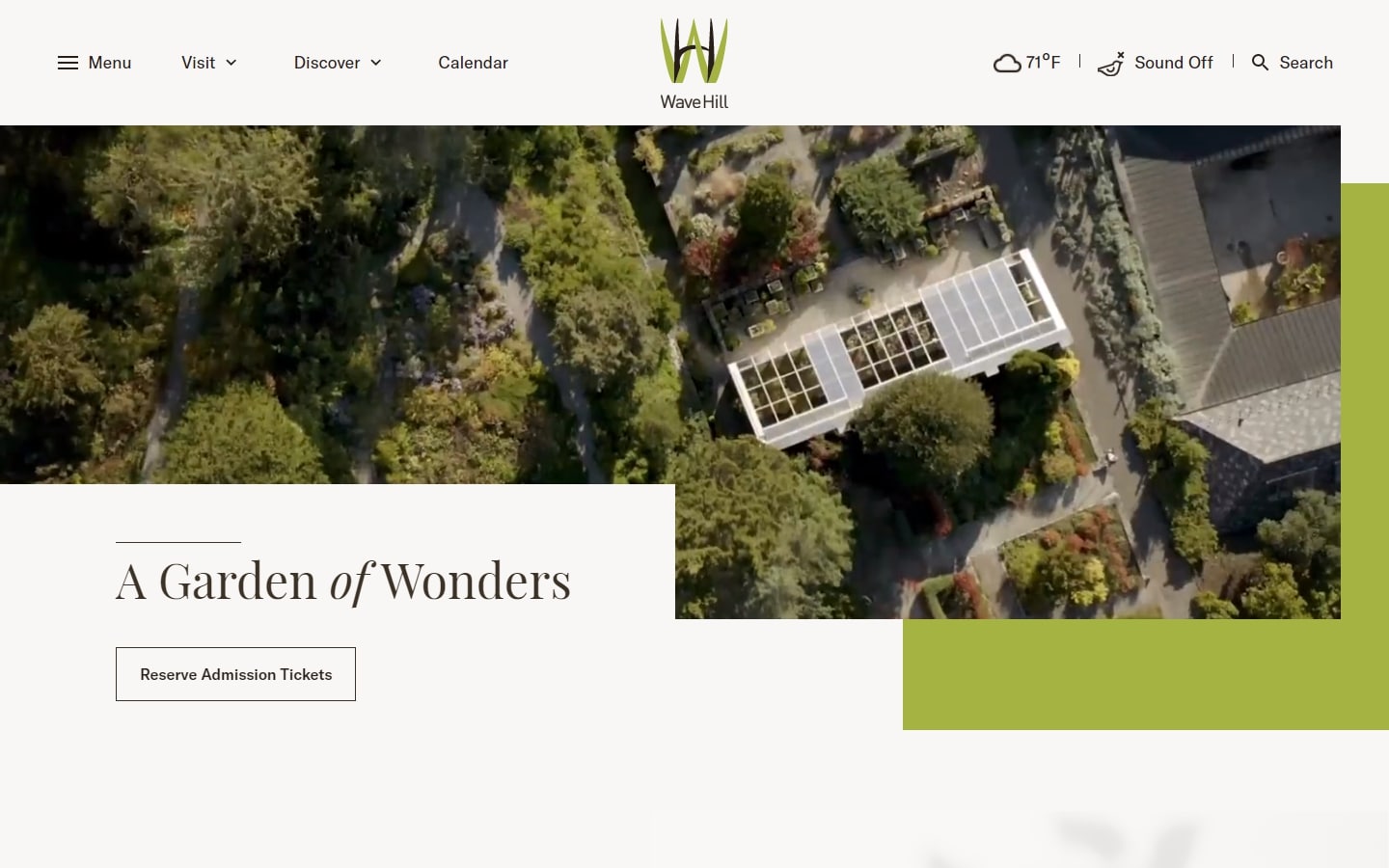
13. Wave Hill
Why it works: The Wave Hill website is bursting with features, easy-to-use navigation, and lovely design details. You can enjoy an audio track of birdsong to enhance your experience.
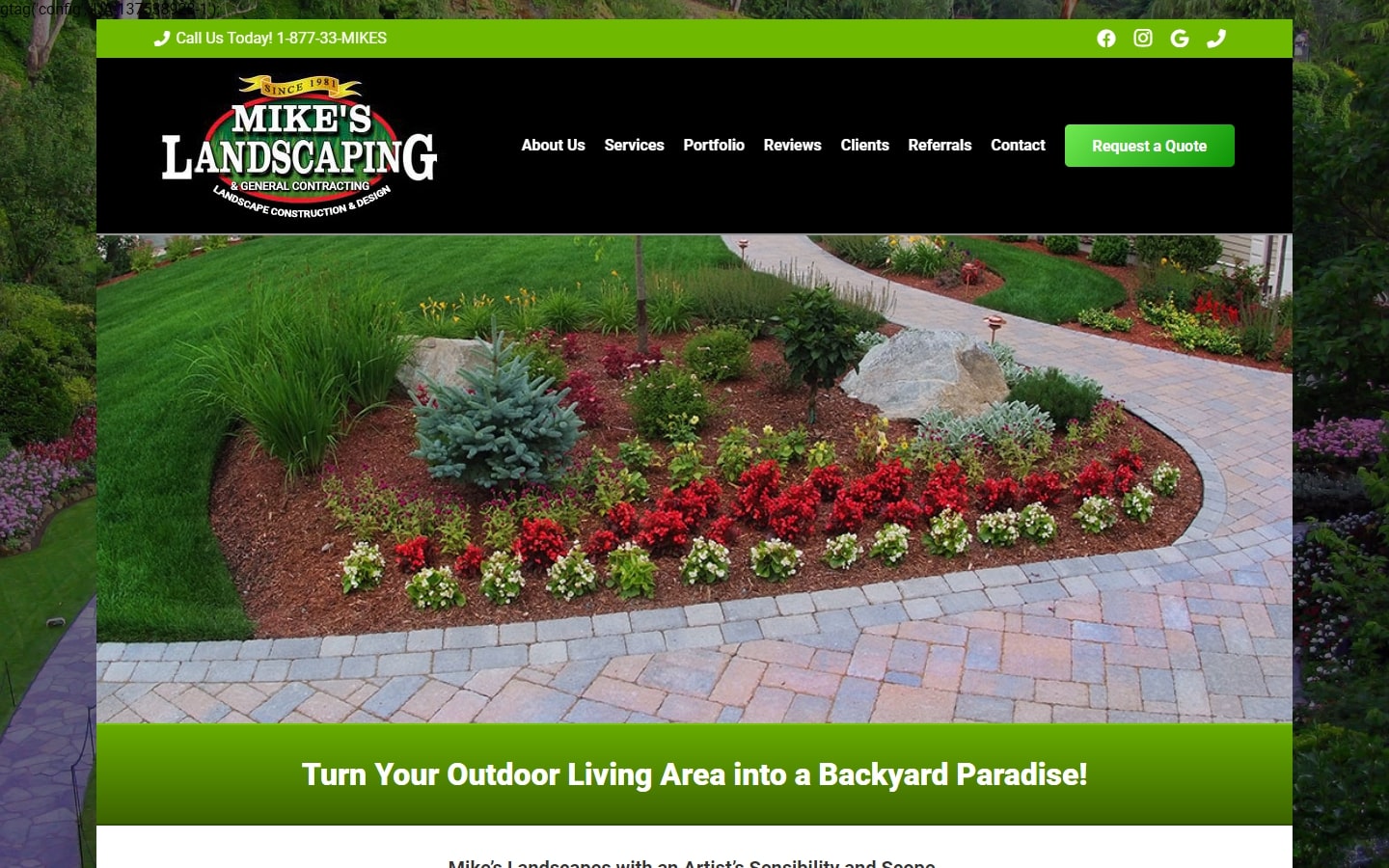
14. Mike’s Landscaping
Why it works: The navigation area above the fold is very catchy thanks to a black background with an eye-catching logo. The landing page has everything one would need, from guidelines for amateurs interested in landscaping to how professionals might go about their work. Even better, below this section we have a contact form that stands out due to its prominent placement and sleek layout.
https://mikeslandscapingco.com
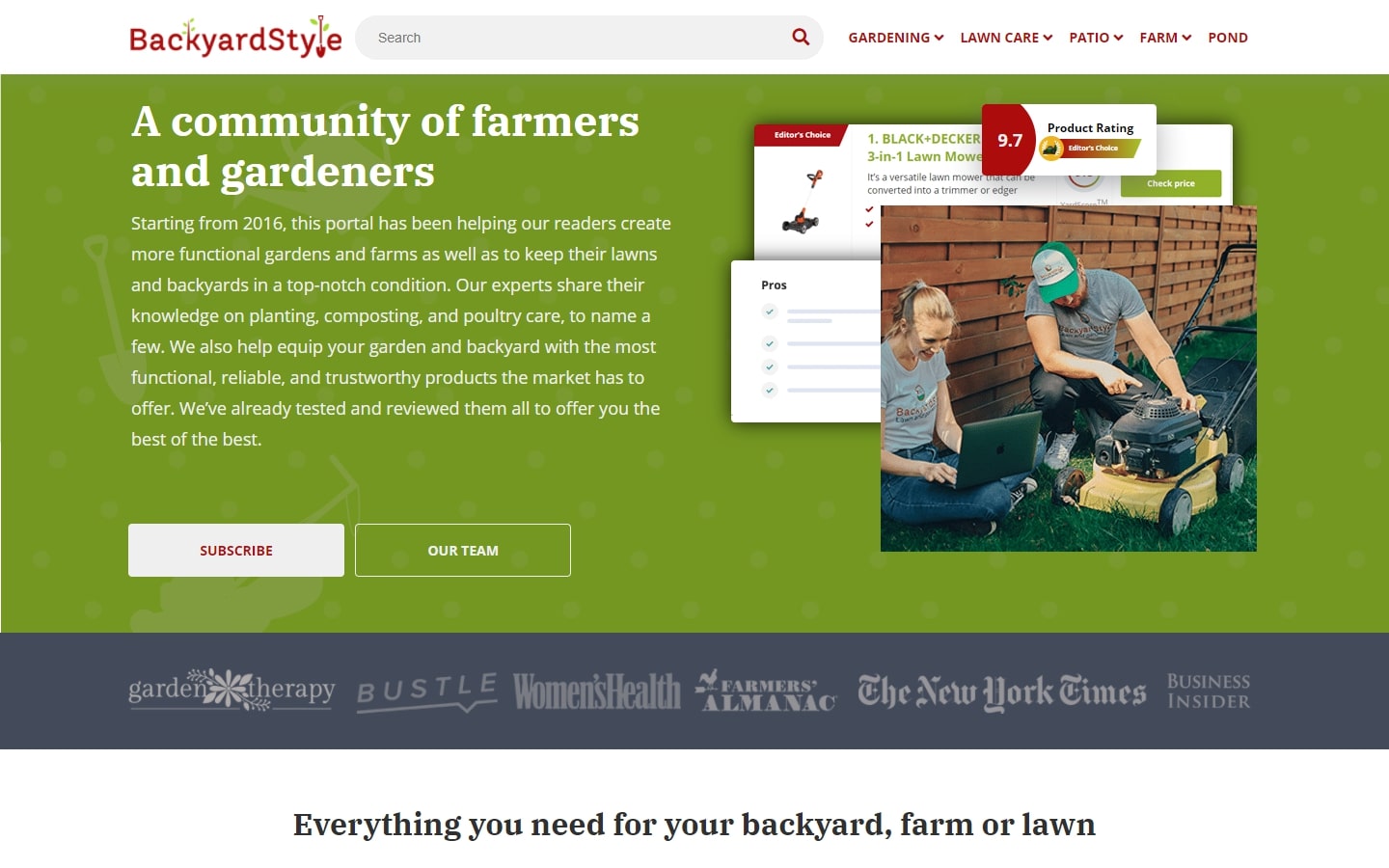
15. BackyardStyle
Why it works: One of the most useful landscaping websites on BackyardStyle’s website design is to help educate users. With their vivid colors and large fonts, it is easy to maneuver around the site.

Landscaping Web Design
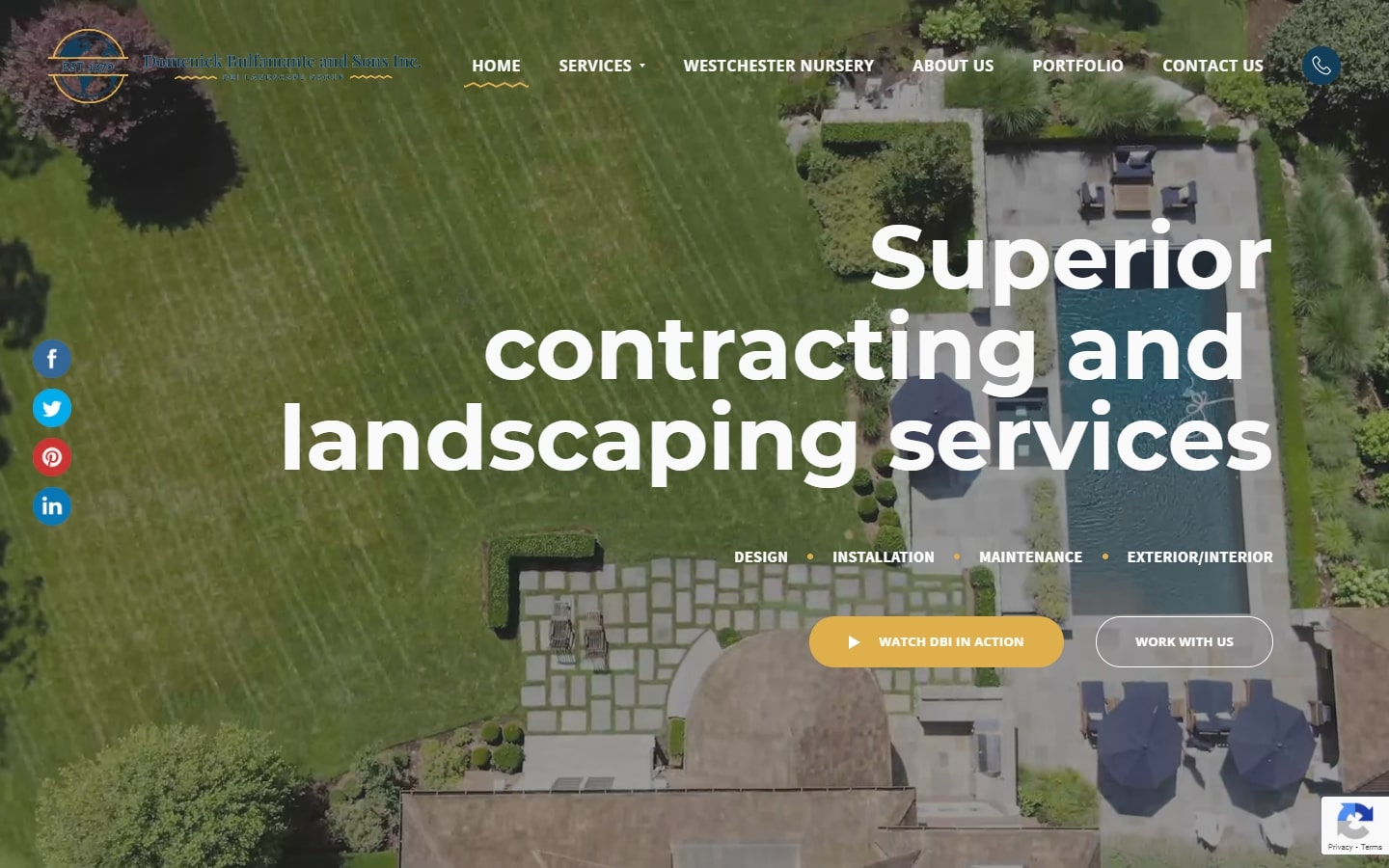
16. Domenick Bulfamante and Sons Inc.
Why it works: As a webpage, this site is loaded with modern features and designed in such a way that you’ll wonder just how much time they spent on it. The content is also generous enough to discuss pretty much anything about landscaping.
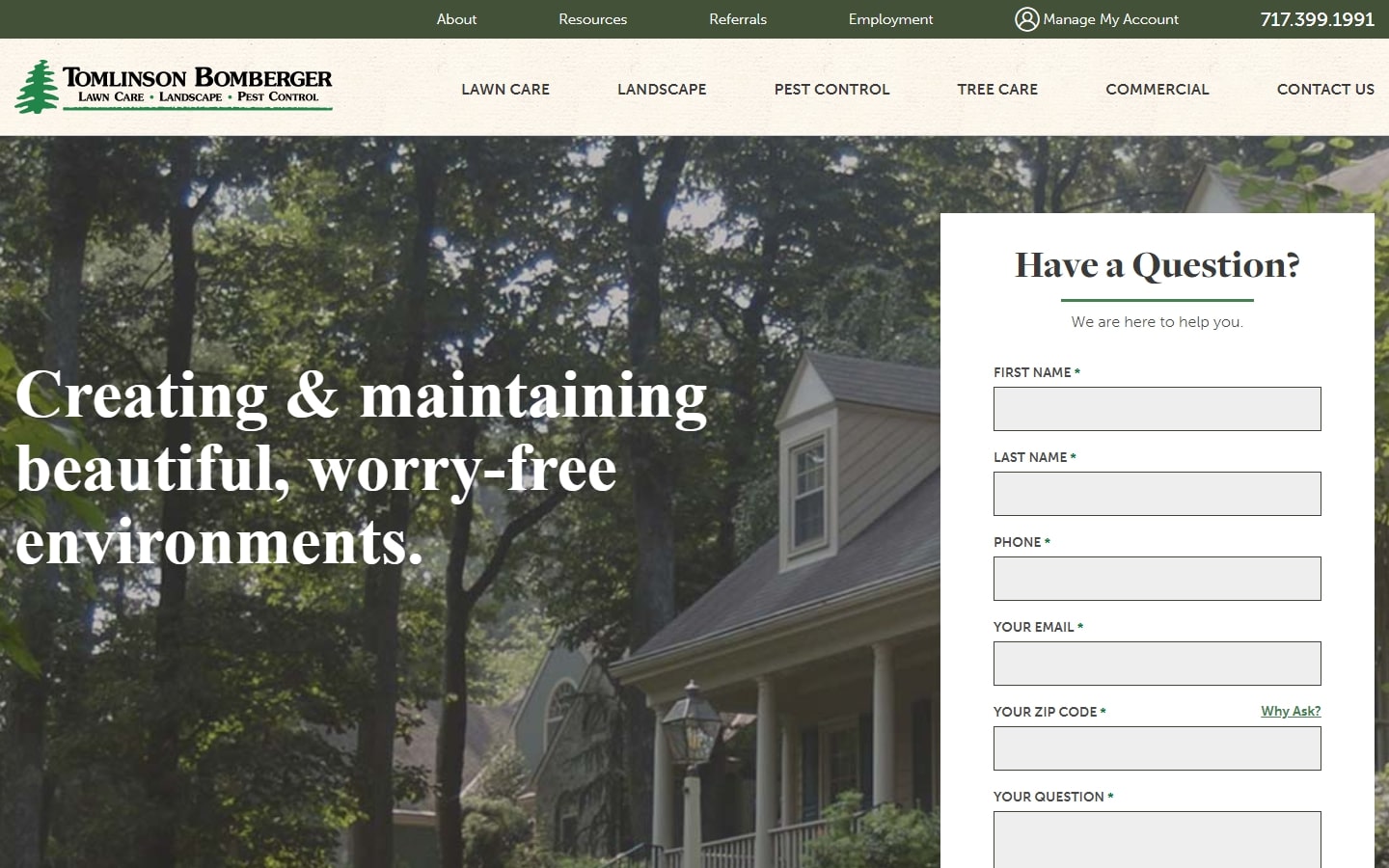
17. Tomlinson Bomberger
Why it works: The contact form is at the top of the page, making it an easy and visible call to action. The site also has big text that’s easily readable and intuitive navigation so visitors can get where they want to go without difficulty.
https://tomlinsonbomberger.com
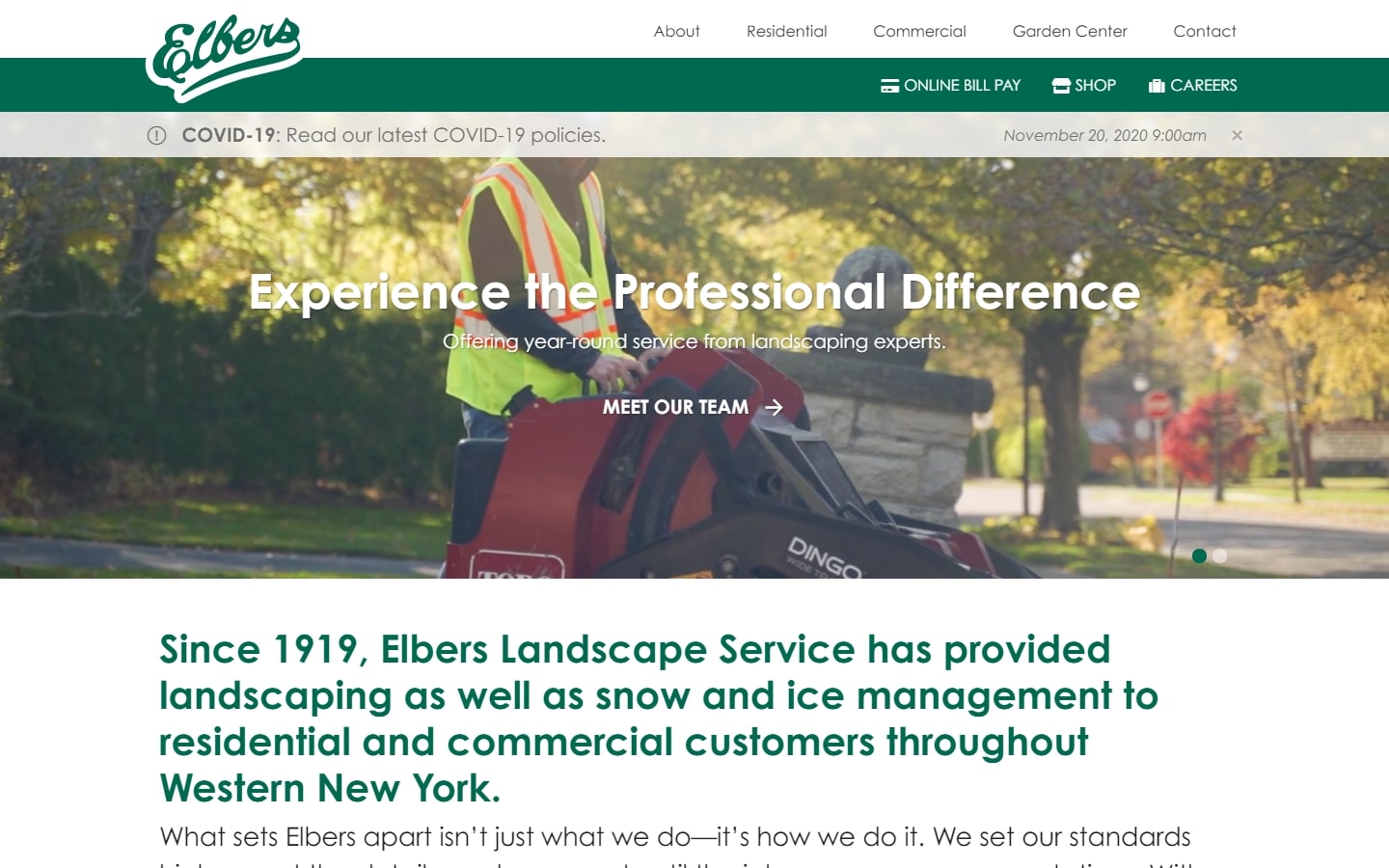
18. Elbers
Why it works: Short, simple, but delivers the right message and does it very well. The hero background for the hero area brings the whole website to life.
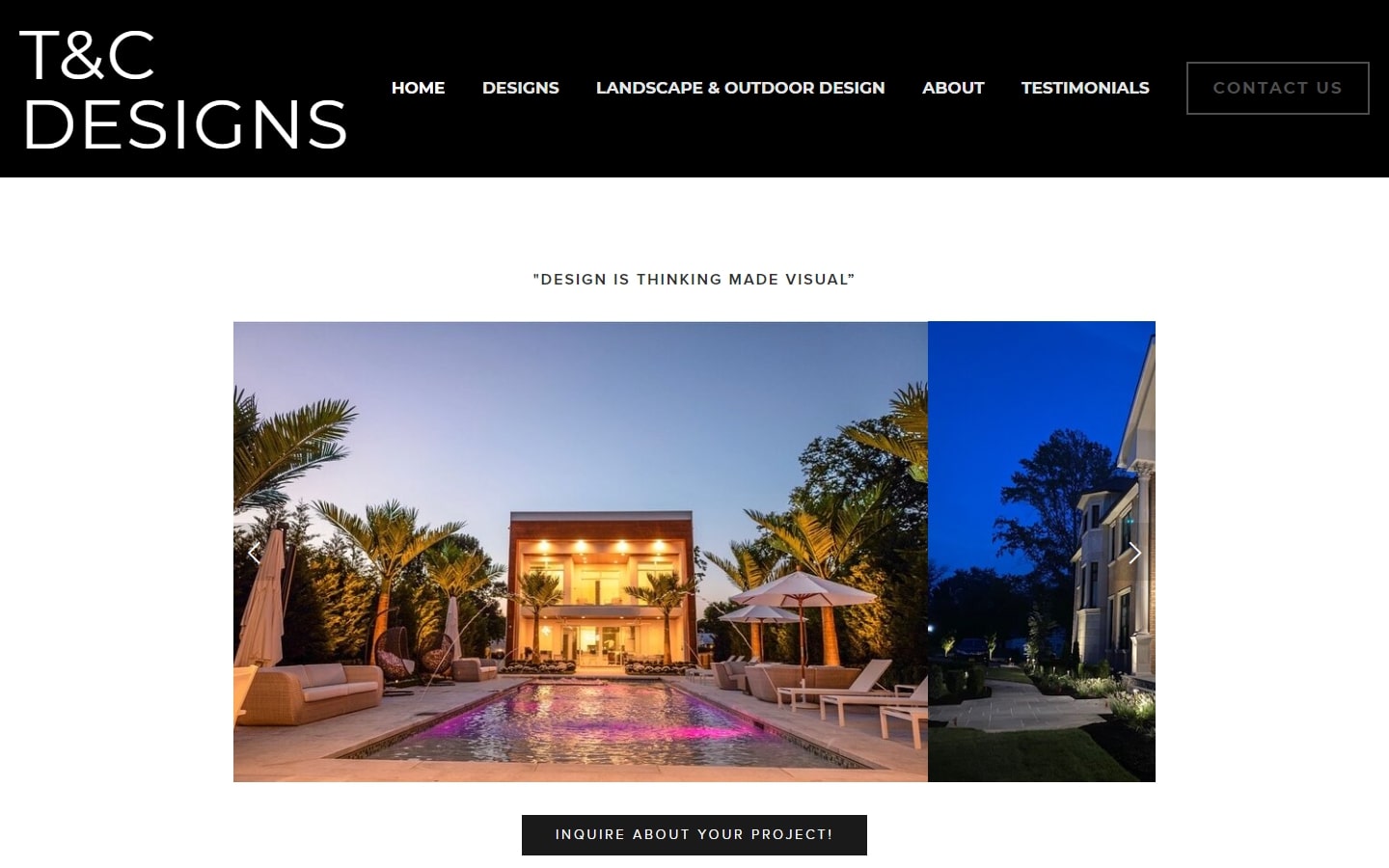
19. T&C Designs
Why it works: Big, bold navigation that is easy to read and doesn’t feel too overstated. Consisting of clean yet crisp layout with effortless approach to online presence.
https://www.tclandscapedesign.com
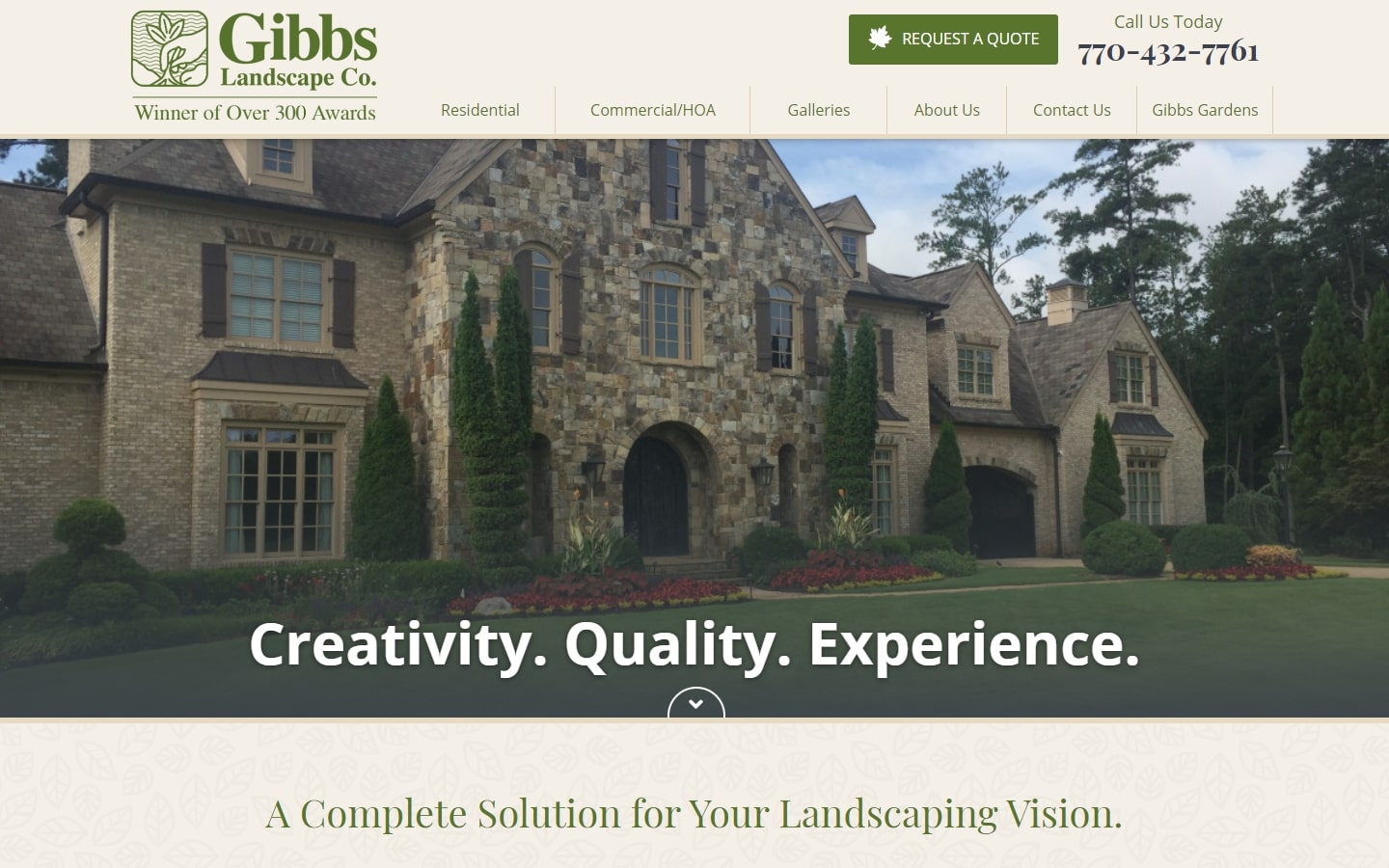
20. Gibb’s Landscape Co.
Why it works: We like how they have so many clean looking fonts, and the excellent choices in typefaces. The request a quote button at the top of their header is great too, as well as their gallery which looks great.

Best Landscaping Companies
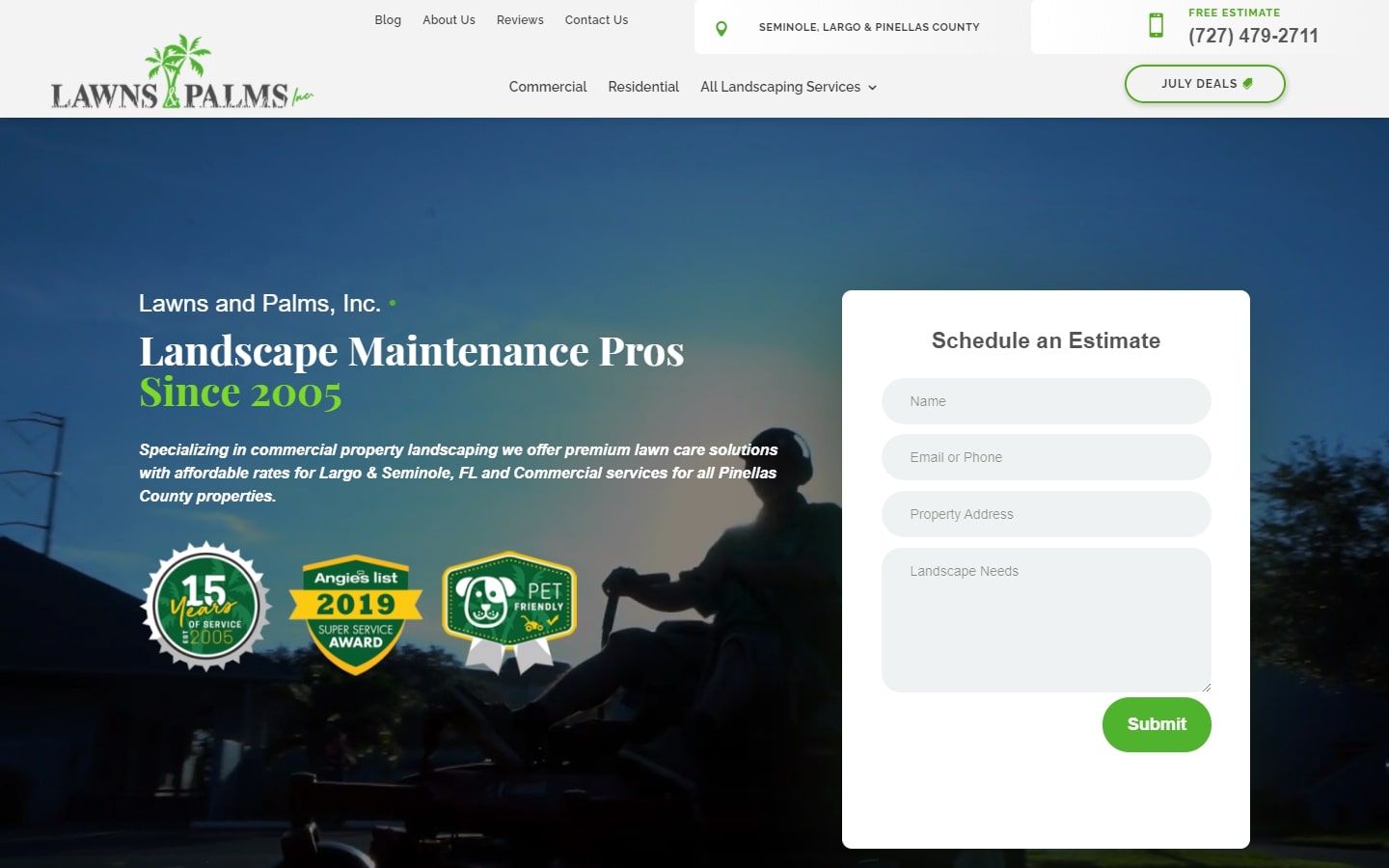
21. Lawns & Palms
Why it works: A dynamic, fast-paced website with a strong presence in the industry. The contact form at the front of site is a big yes, and their branding is done well throughout the pages–nice colors on all of them.
https://www.lawnsandpalmsfl.com
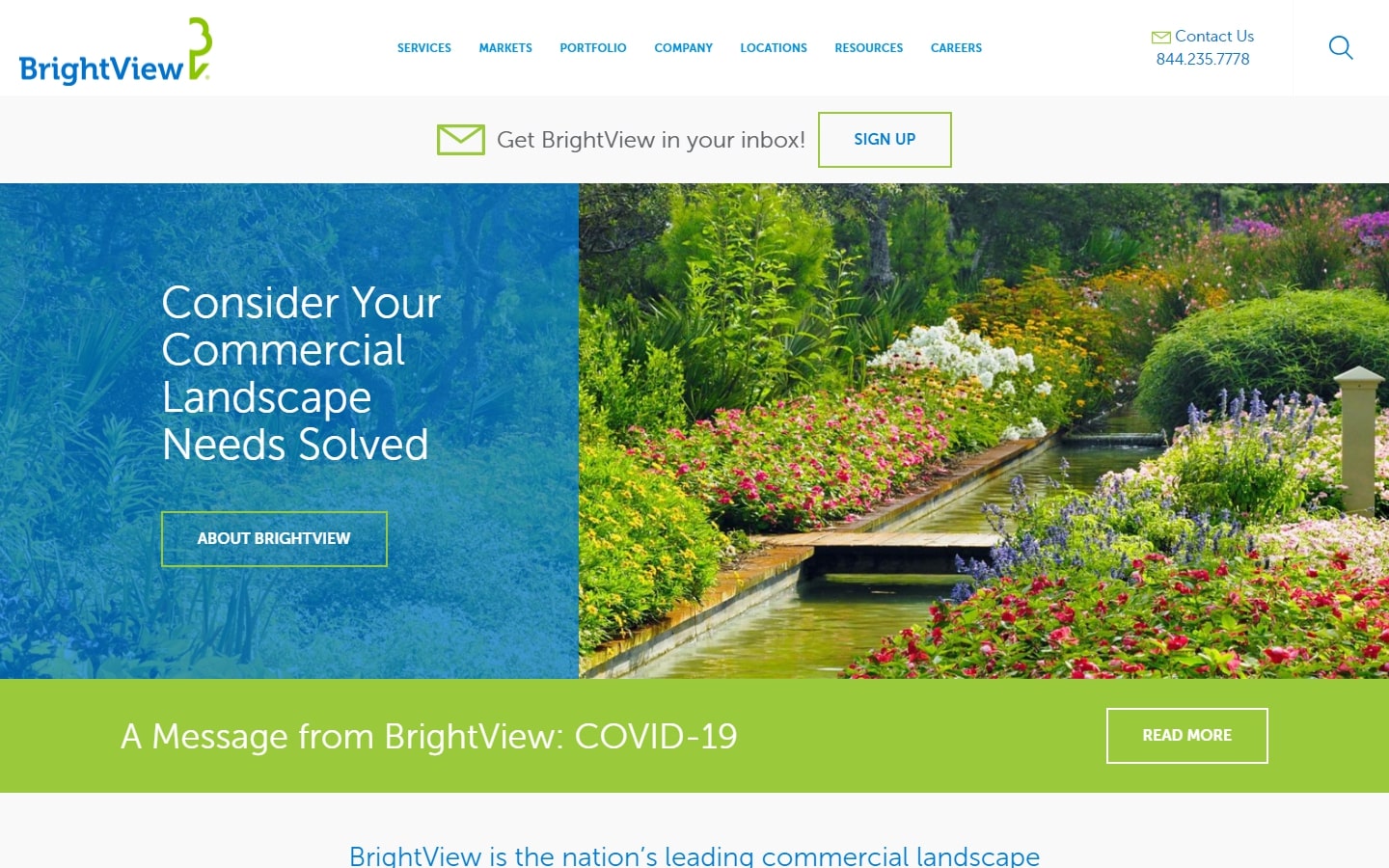
22. BrightView
Why it works: One of the most attractive features of this site is its stunning use of white space in conjunction with a clean logo and high-quality photos. The navigation is also easy to understand and navigate.
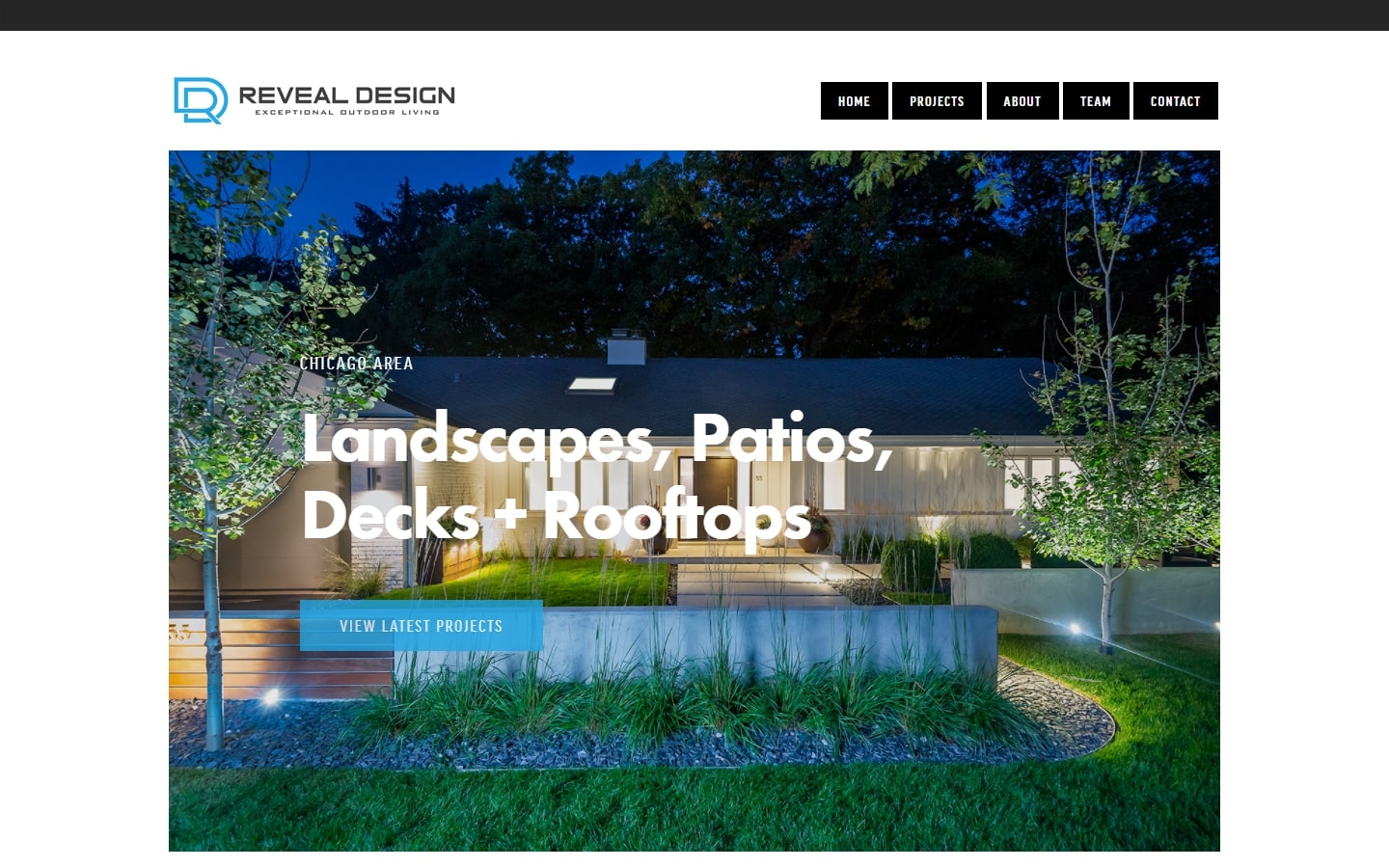
23. Reveal Design
Why it works: Of all the landscaping websites on this list, the Reveal Design site is one of most minimal. There is a refreshing aqua color scheme instead of green like most sites have and their portfolio page has an intuitive flow for people who are looking to find different types of landscaping designs.
https://revealdesignchicago.com
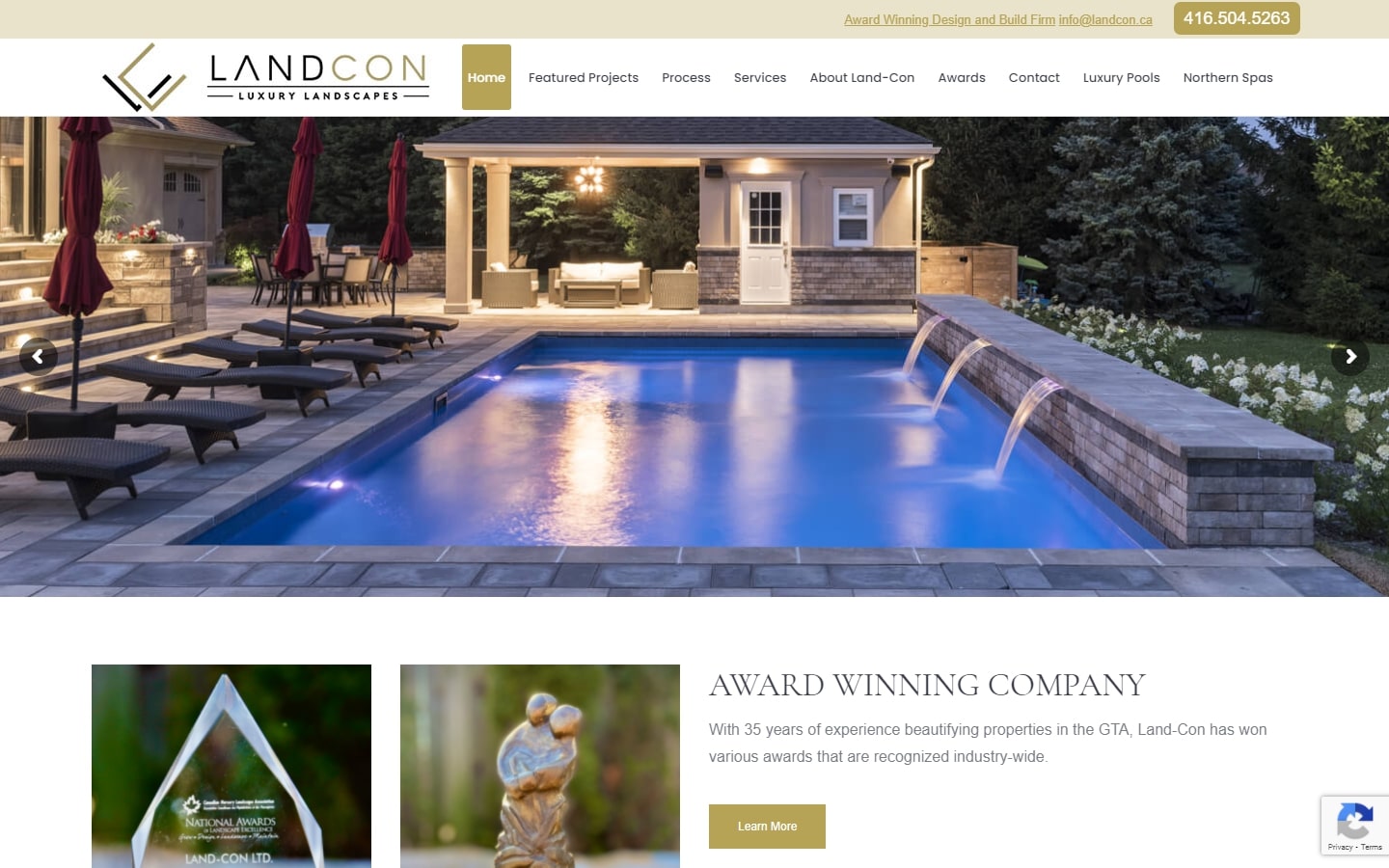
24. Landcon
Why it works: This landscaping website appears to be professional in appearance and feels inviting. The images are high quality, making it both beautiful and efficient at conveying information.
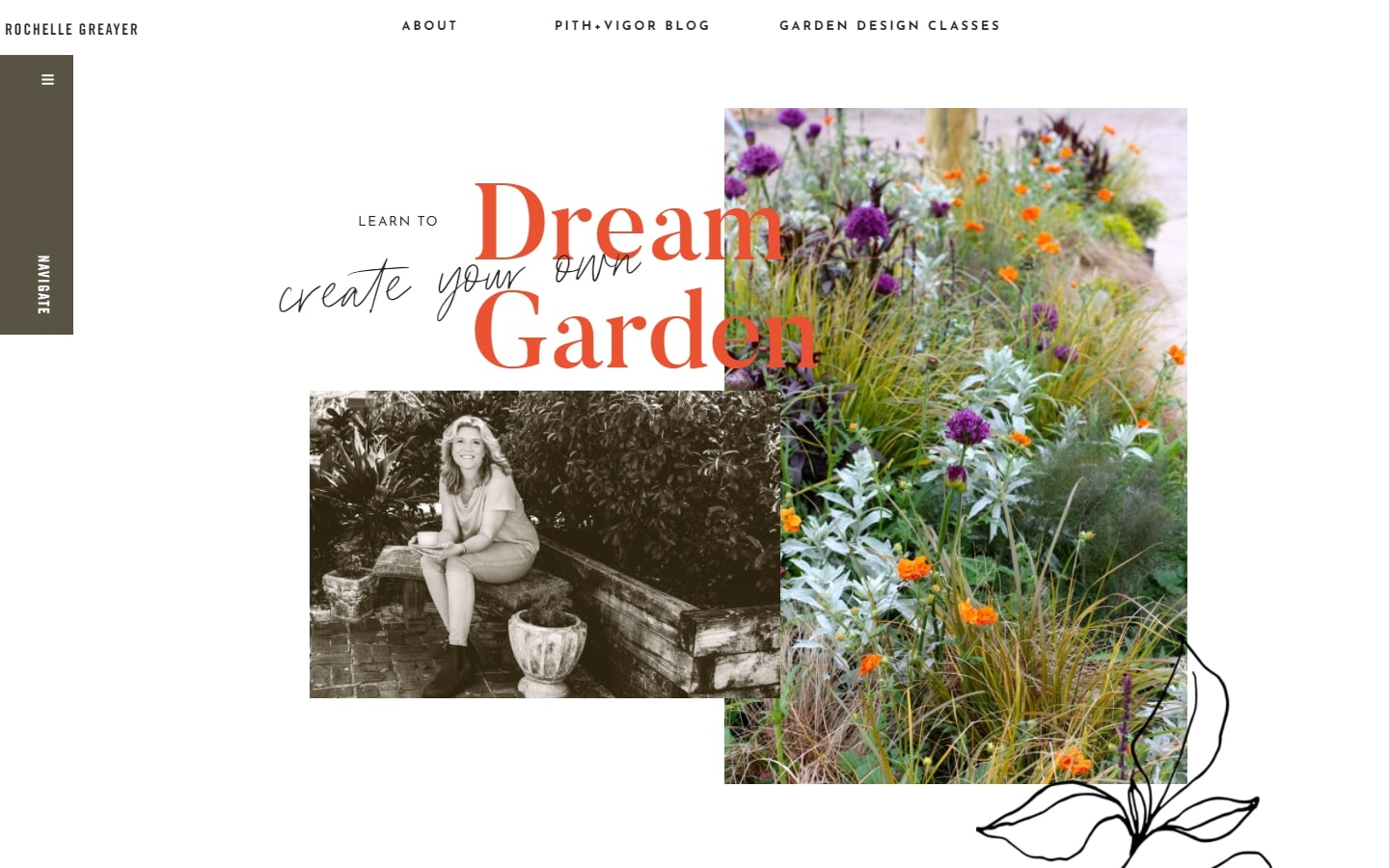
25. Pith + Vigor
Why it works: The website maintains a clean and crisp feel, despite the many design features. The pencil-sketch graphics give it personality without feeling heavy or clunky.
Landscape Design Website
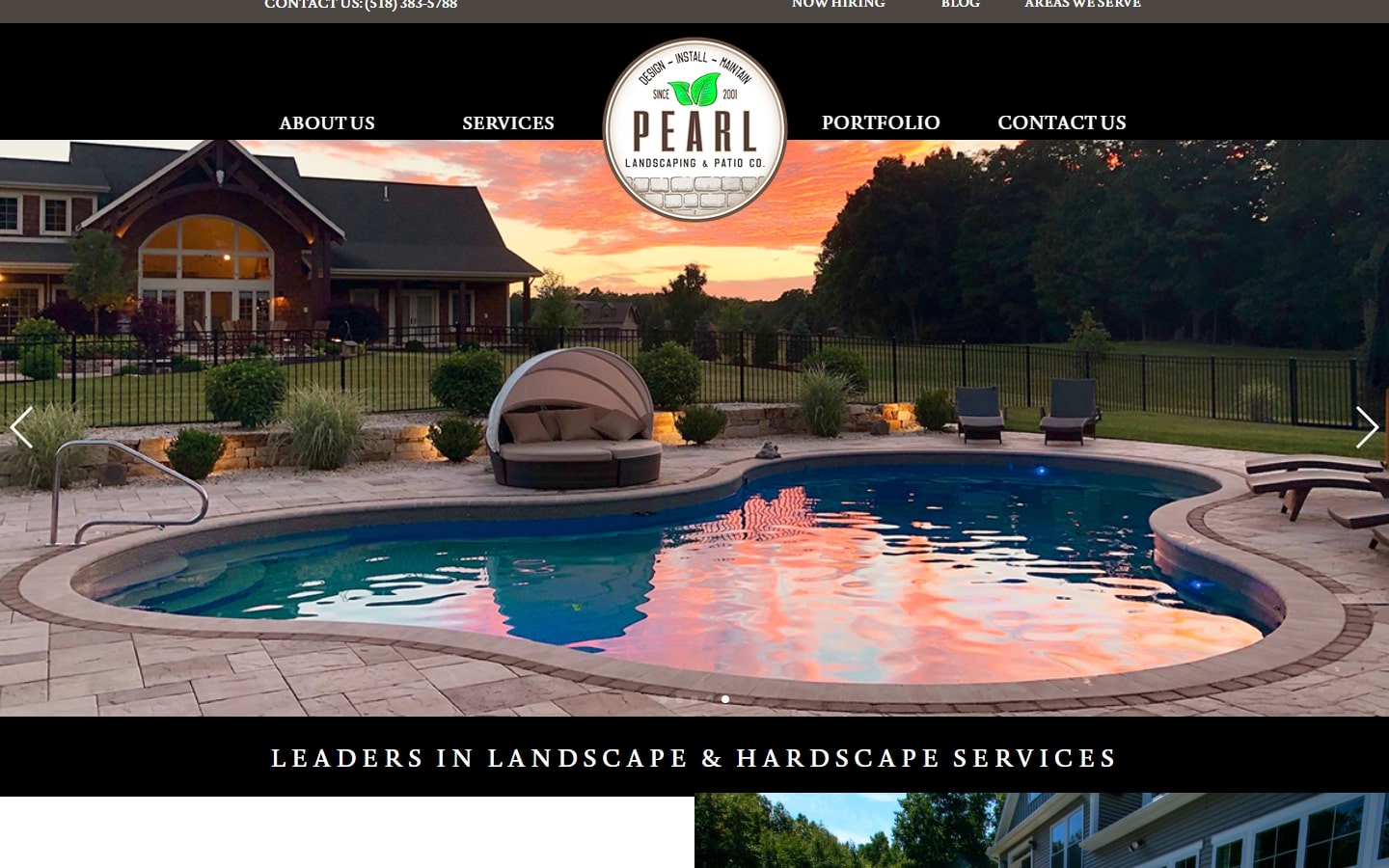
26. Pearl Landscaping & Patio
Why it works: A black and white theme for a landscaping website? Sure! This unique style creates an intriguing, interesting look to the overall feel. The images are also stellar in contrast and on point.
https://www.pearllandscaping.com
27. Harrison Landscape & Design
Why it works: This article contains a lot of depth without too many words. The hero’s layered images are both inviting and effective, while the contact form is positioned on the home page for easy access and it scrolls smoothly when your scrolling finger reaches the bottom of the page.
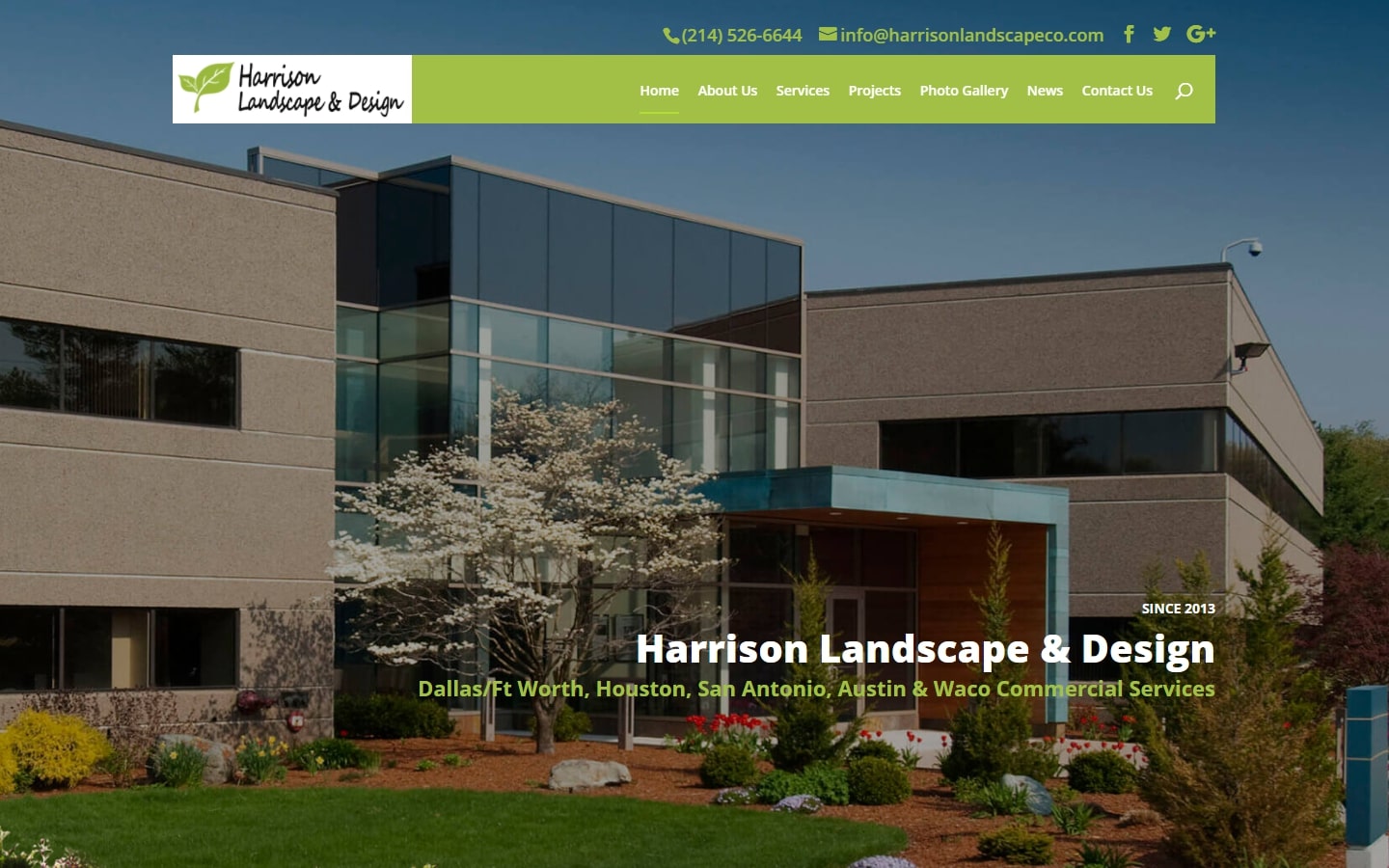
https://harrisonlandscapeco.com
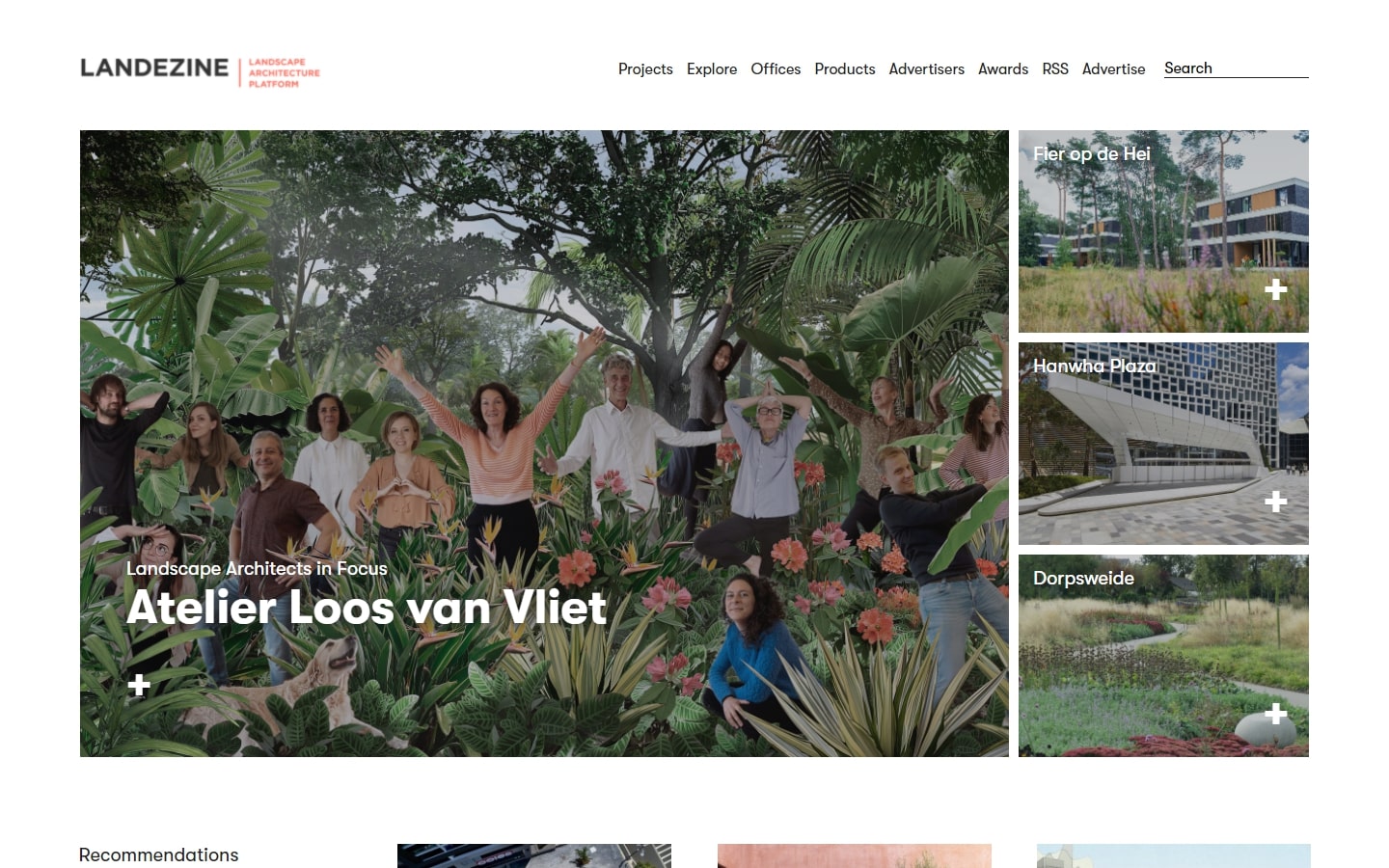
28. Landezine
Why it works: This landscaping website does a good job of making all of the work on their portfolio easy to view and browse. Images are colorful, layout is clean, user-friendly., and the scrolling never gets tiresome.
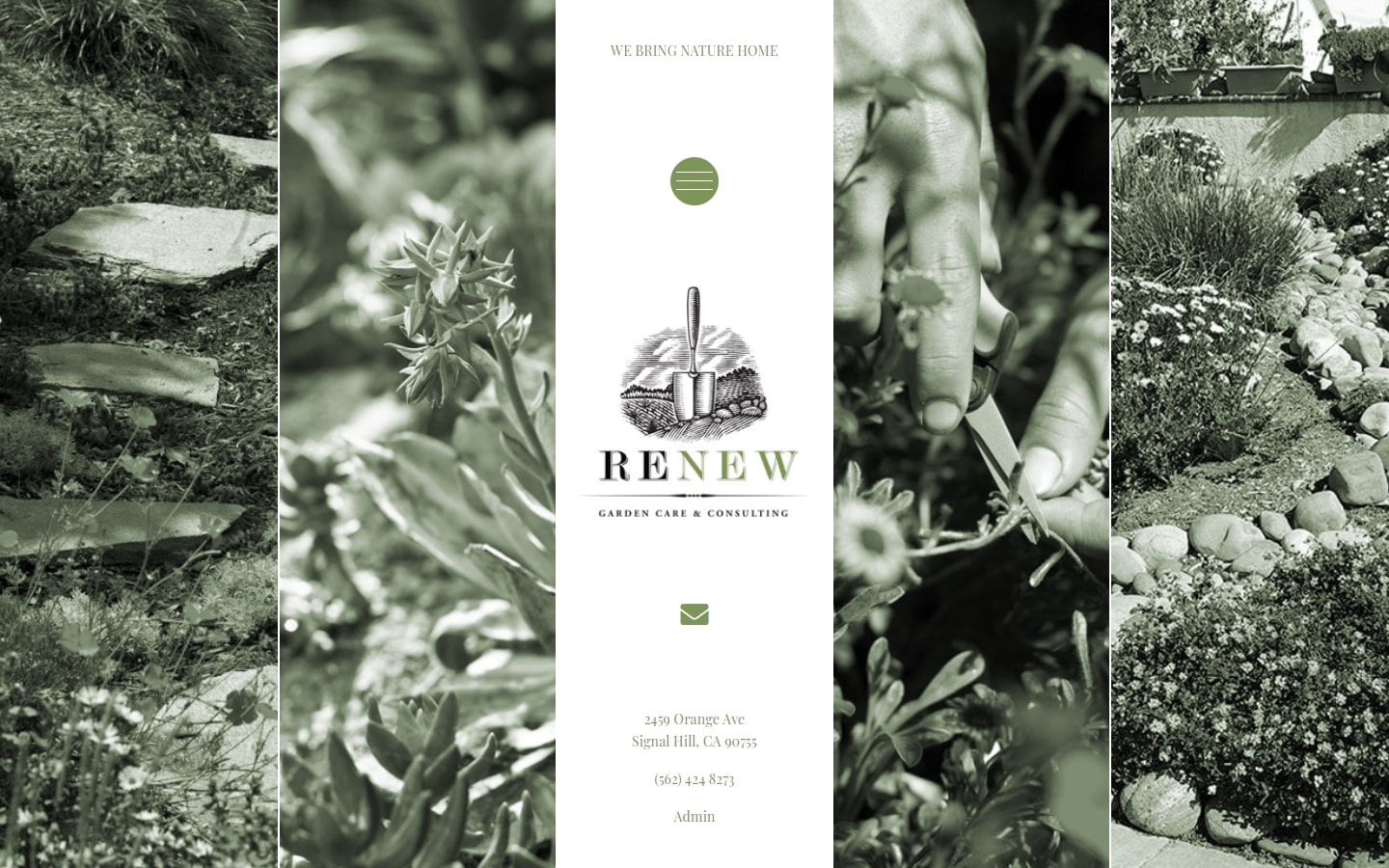
29. Renew Garden Care & Consulting
Why it works: Perhaps the most unique of the 40 landscaping websites on this list is Renew’s design. It has a landing page that captures every visitor’s attention and employs higher-end animations, elegant storytelling.
30. City Escape
Why it works: If vibrant colors are your cup of tea, then take a peek at this site. The website is cohesive and executed well despite its many colored pages.

Top Landscaping Companies
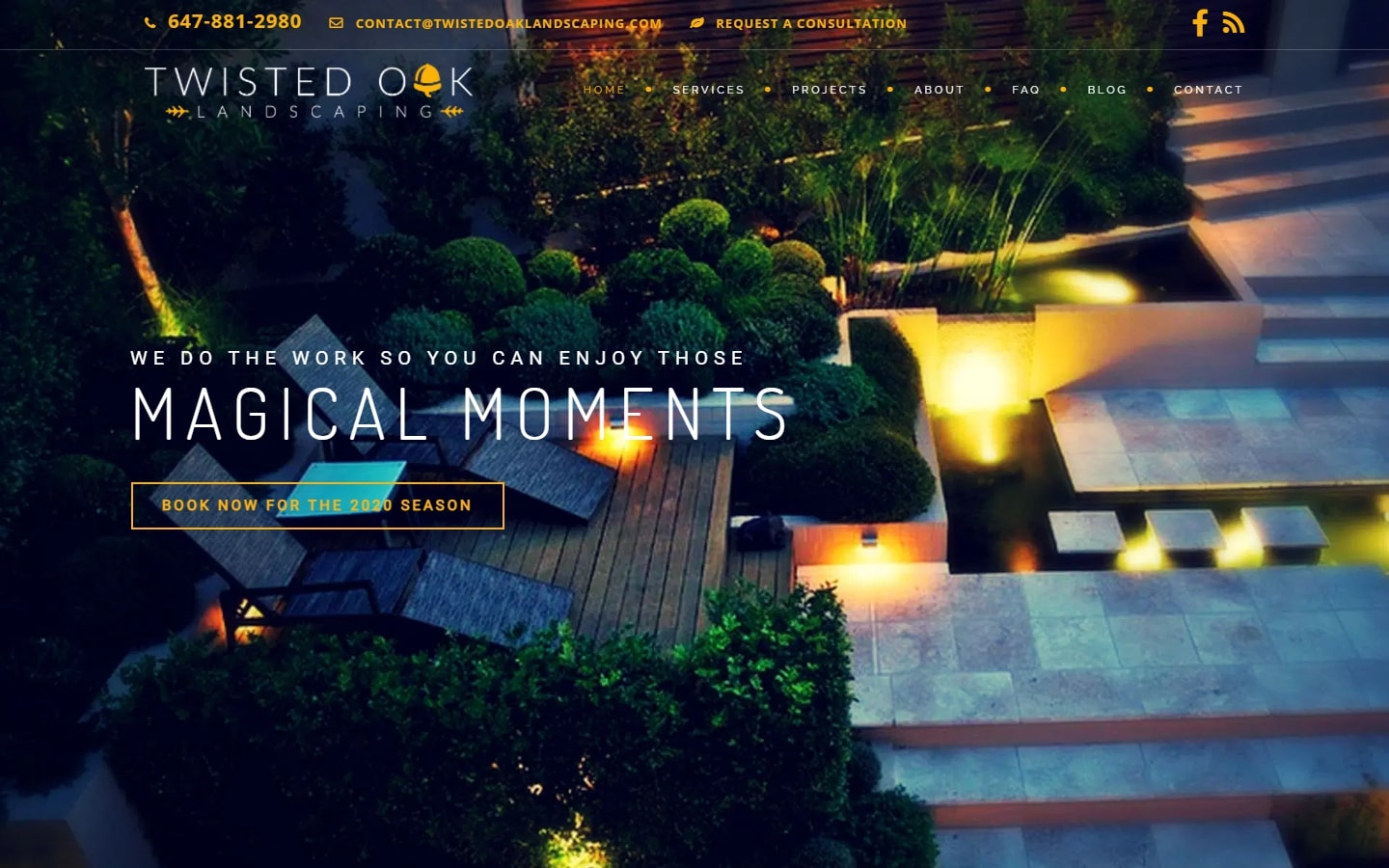
31. Twisted Oak
Why it works: This design has a refreshing, unique style that is unlike any other. We love the contrasting colors and stark typefaces- it’s really professional looking.
http://twistedoaklandscaping.com
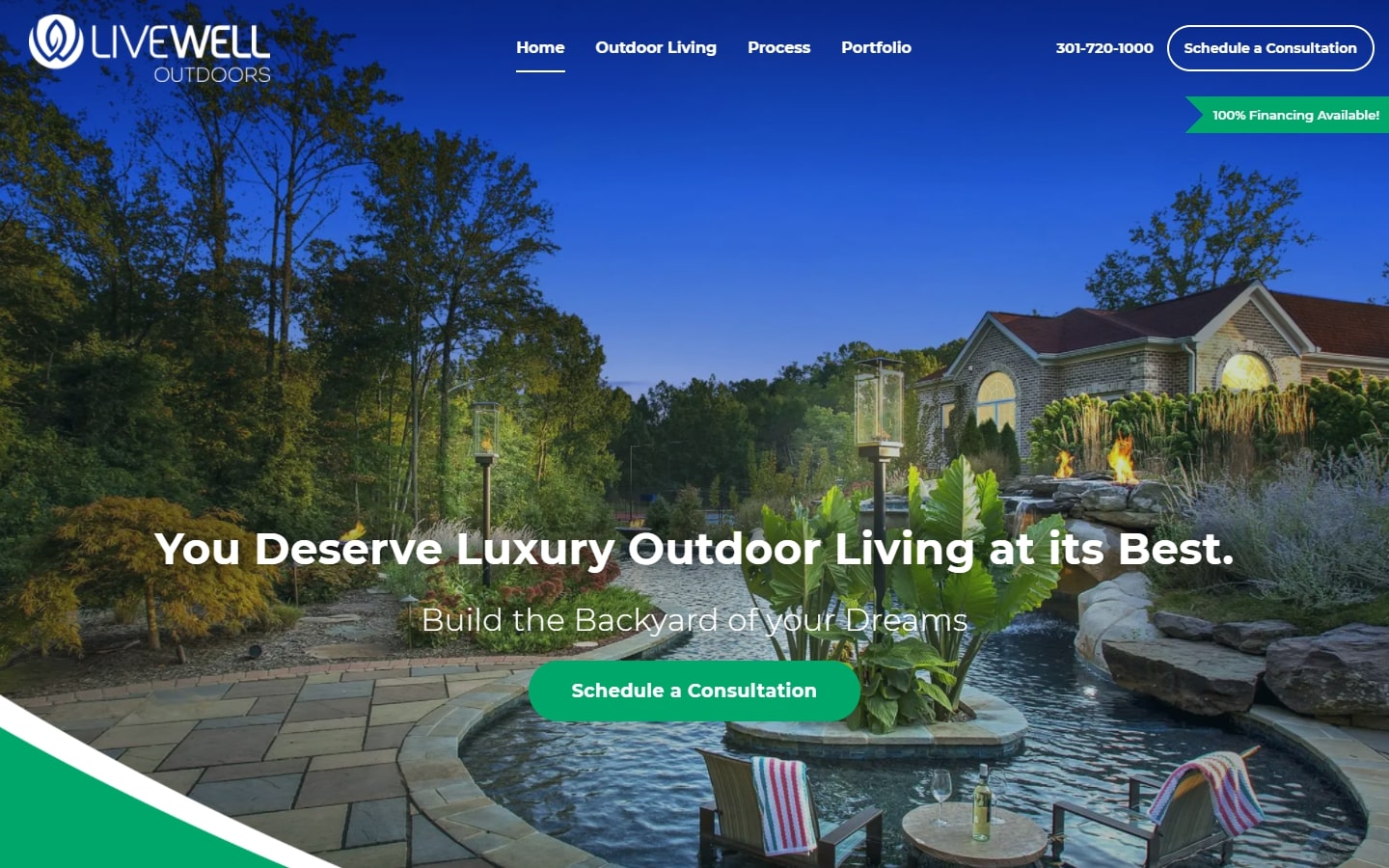
32. LiveWell Outdoors
Why it works: One of-a-kind custom web design with interesting shapes and graphics. We love the other art featured on the website, without cutting out usability.
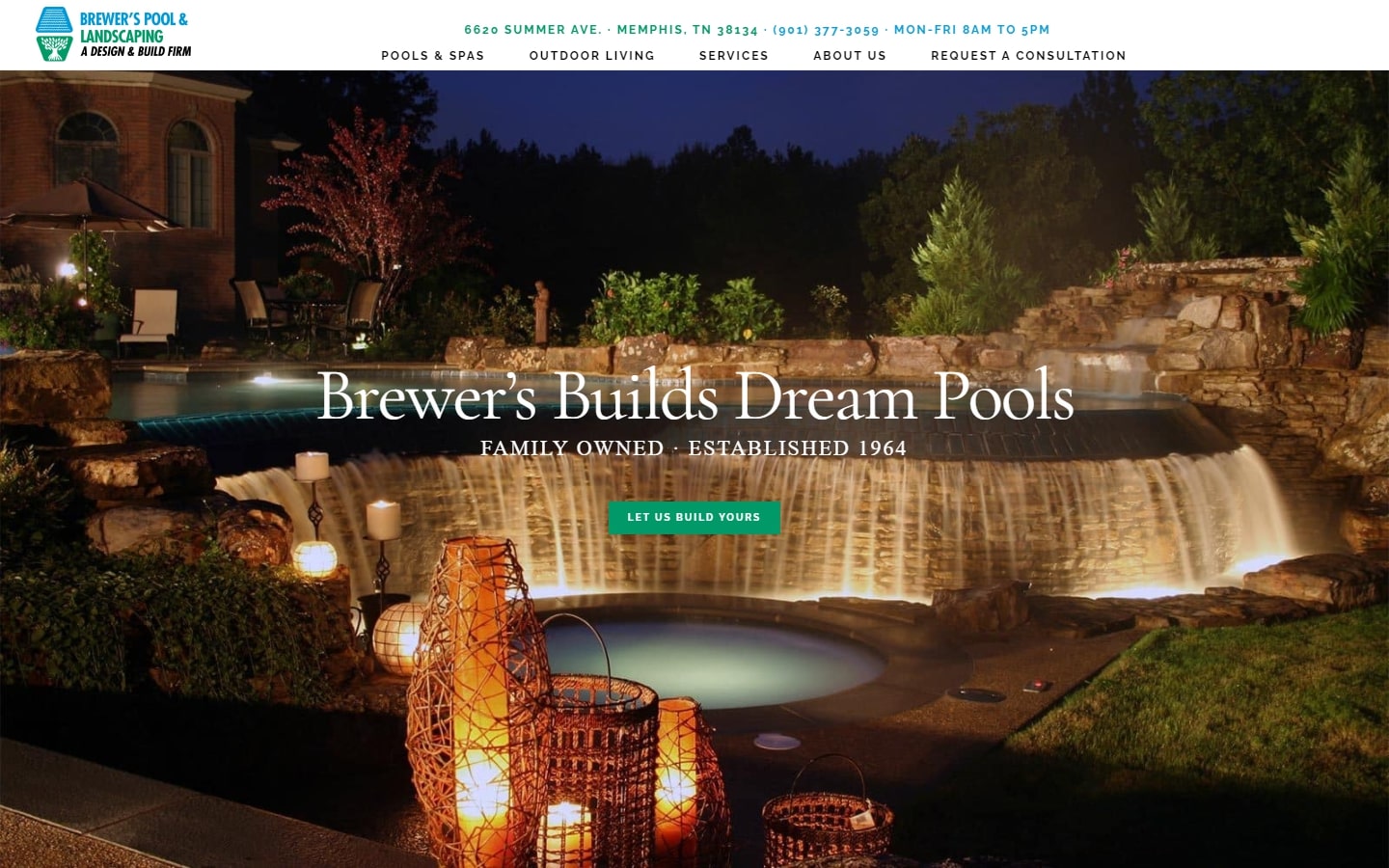
33. Brewer’s Pool & Landscaping
Why it works: Silky-smooth landscaping website. This company offers a wide variety of services, but managed to build a simple and informative website that tells the story well.
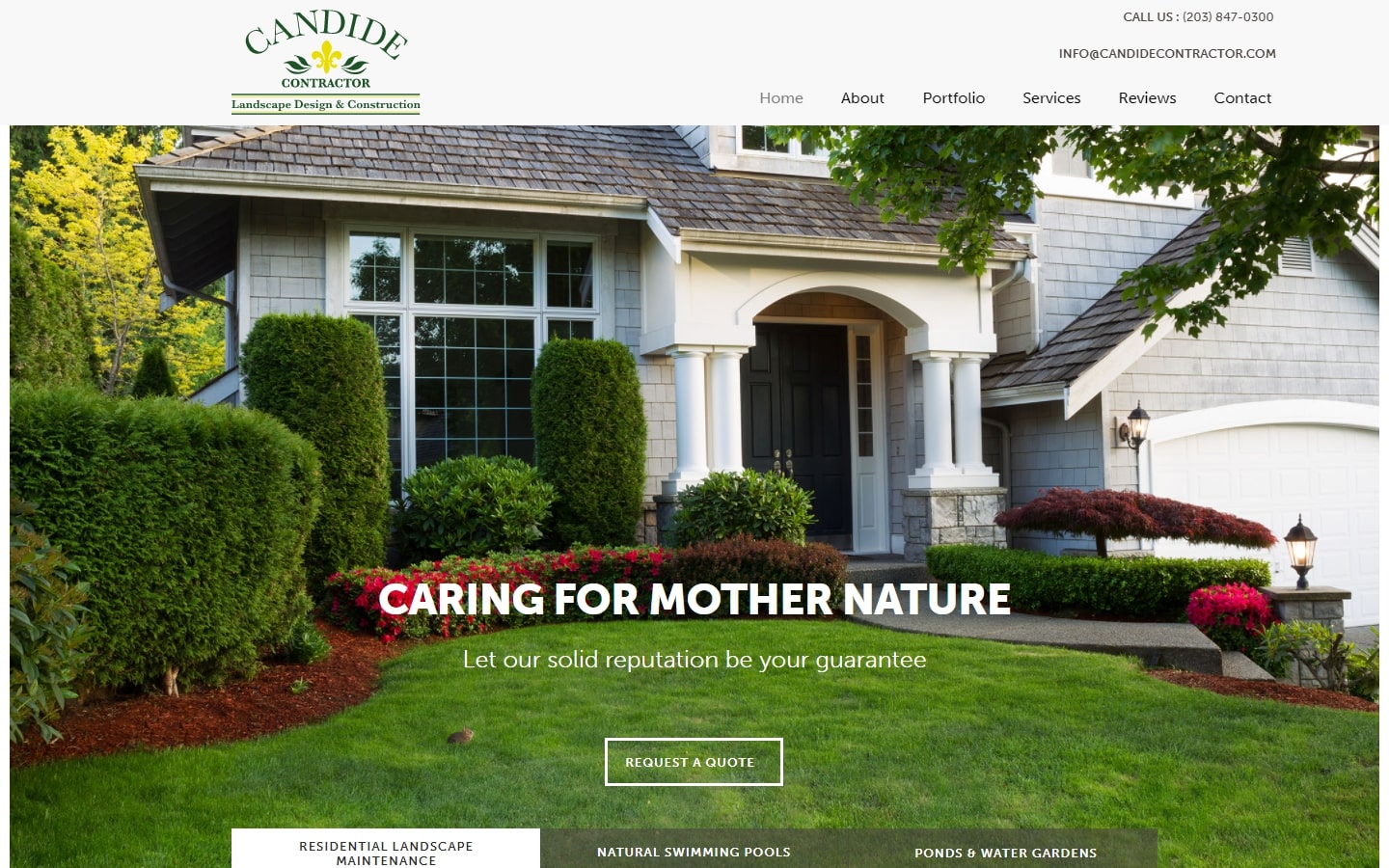
34. Candide Contractor
Why it works: With lots of white space and eye-candy images, this website design also stands out because of the good choice of fonts.
http://www.candidecontractor.com
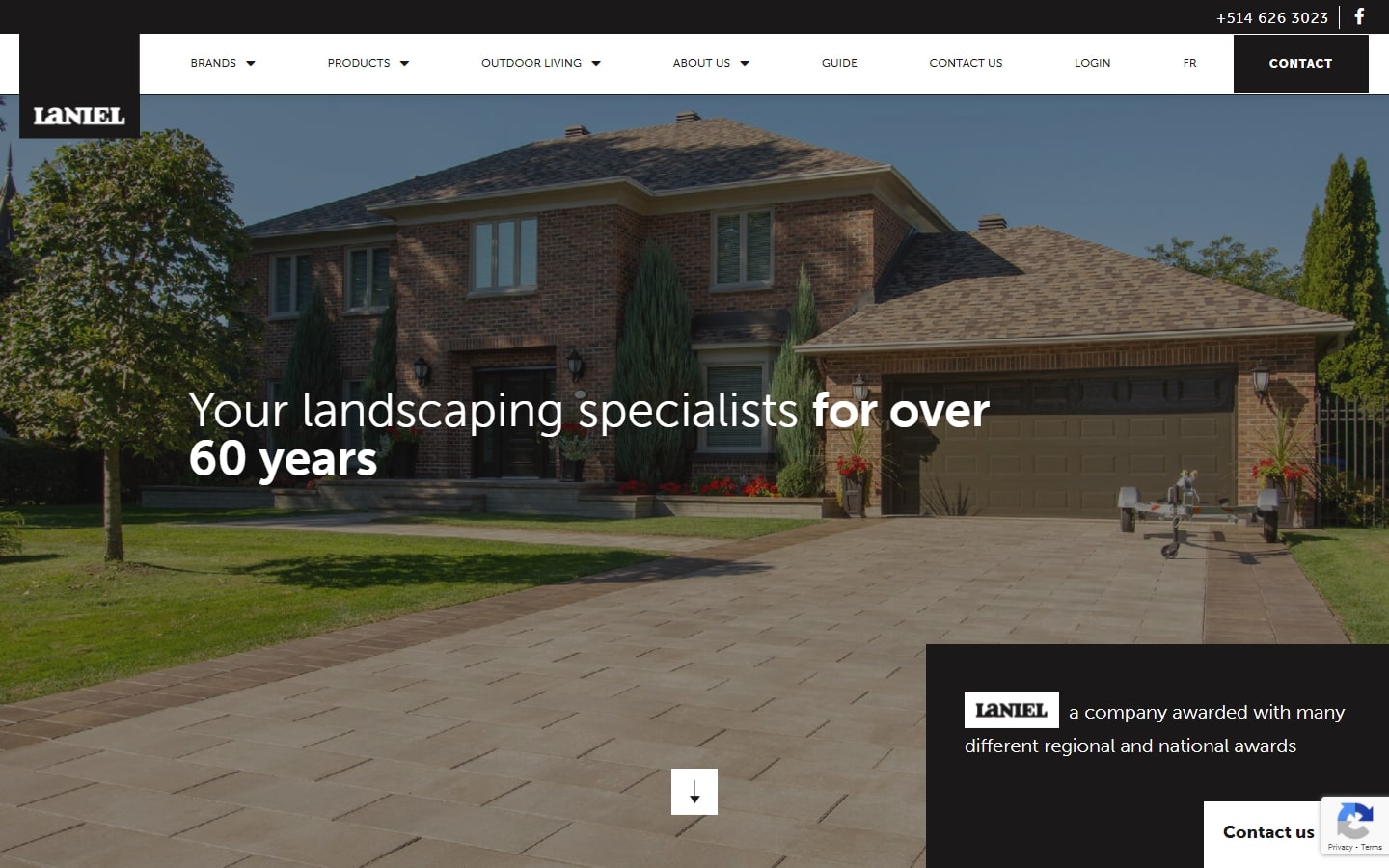
35. Laniel
Why it works: Another interesting landscaping website that creatively utilized a black-and-white color scheme. The site also has a unique layout that guides visitors to see who they are and what they do.
Best Landscape Design Websites
36. Chicago Specialty Gardens
Why it works: With a clean interface and sharp quality images, this website design is sorely needed in the industry. We particularly love how body paragraphs are easy on the eyes, clear to read and elegant looking.
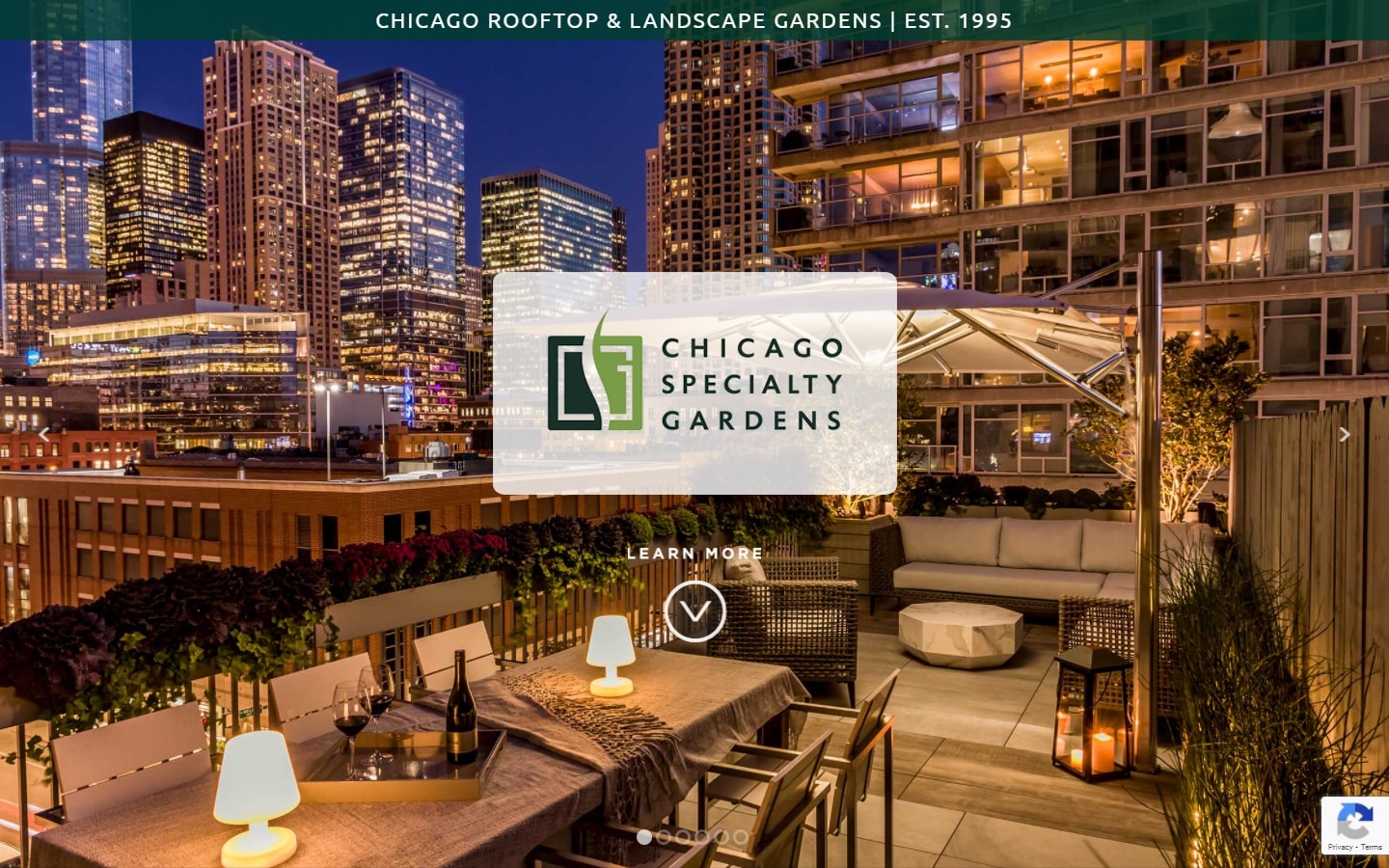
https://www.chicagogardens.com
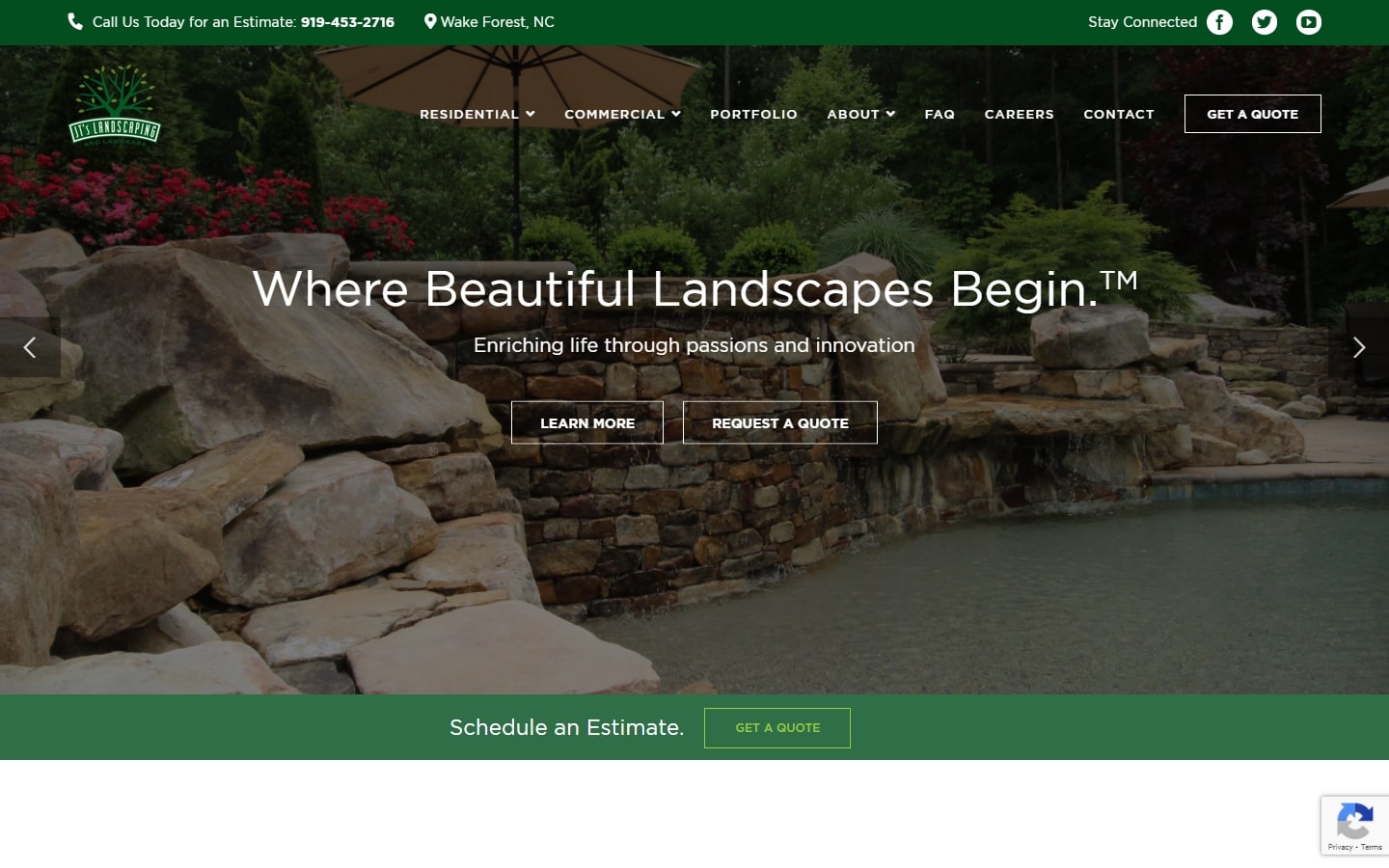
37. JT’s Landscaping
Why it works: A clean and robust layout makes this website a good entry in our list. We love the strong contrast of their shade of green against a plain white background. The use of video is indeed a welcome feature.
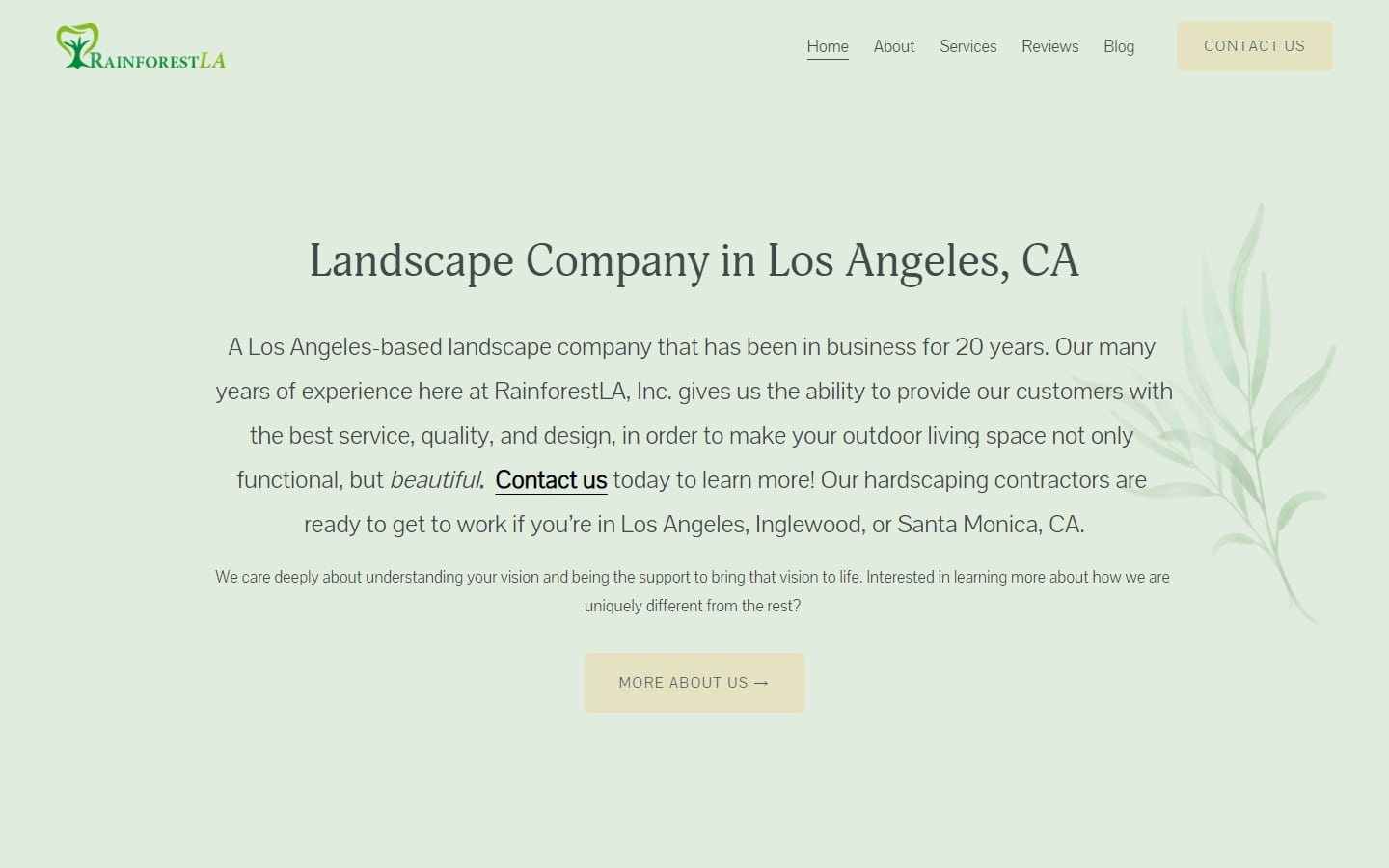
38. Rainforest LA
Why it works: Instead of the usual landscape websites with lots of images, this website by Rainforest LA tells a different story—the design feels light and calm, yet full of potential.
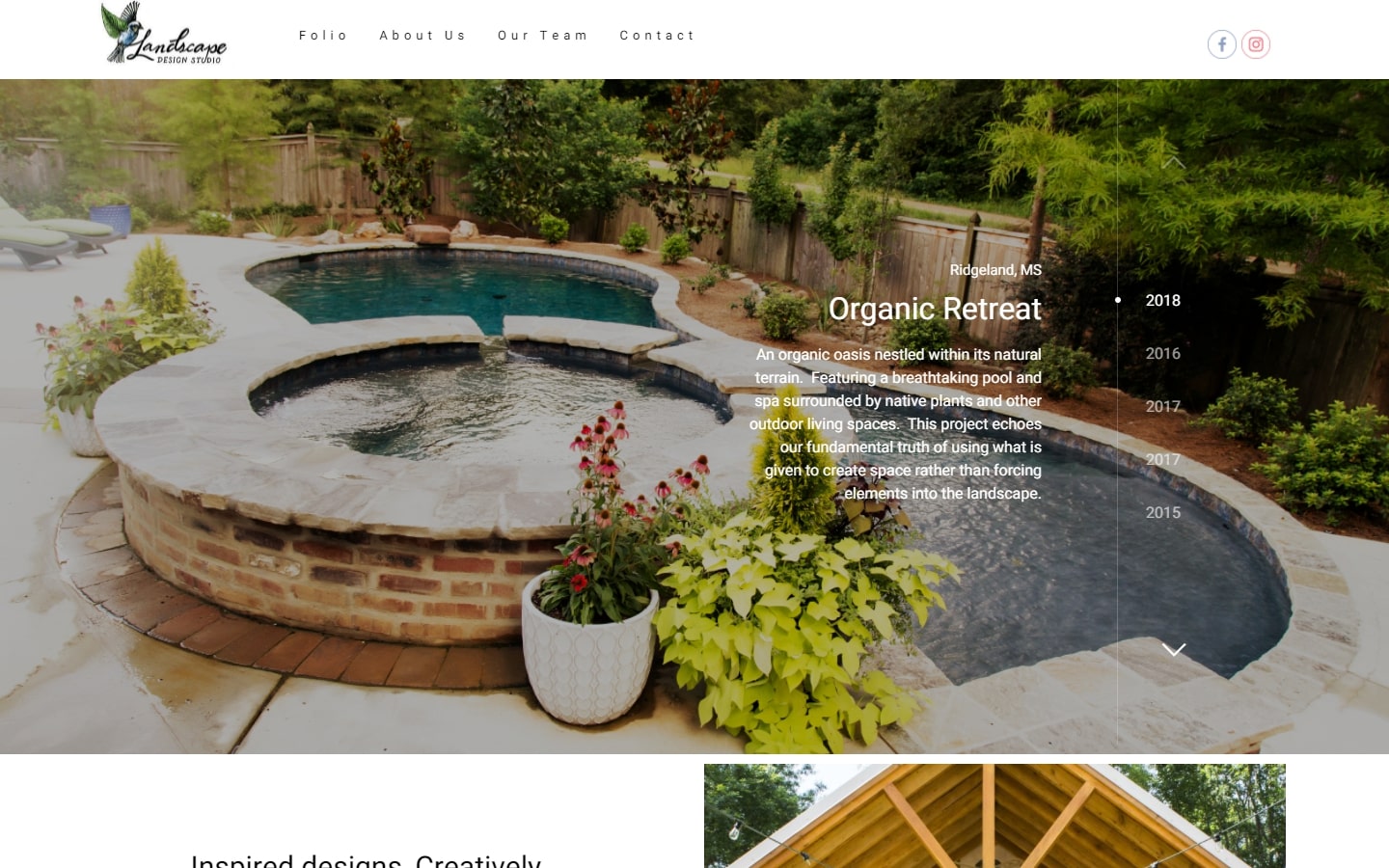
39. Landscape Design Studio
Why it works: We selected this site for its unique layout; the homepage’s slideshow is one of our favorites. The portfolio page is also well-executed while remaining minimal.
http://landscapedesignstudio.net
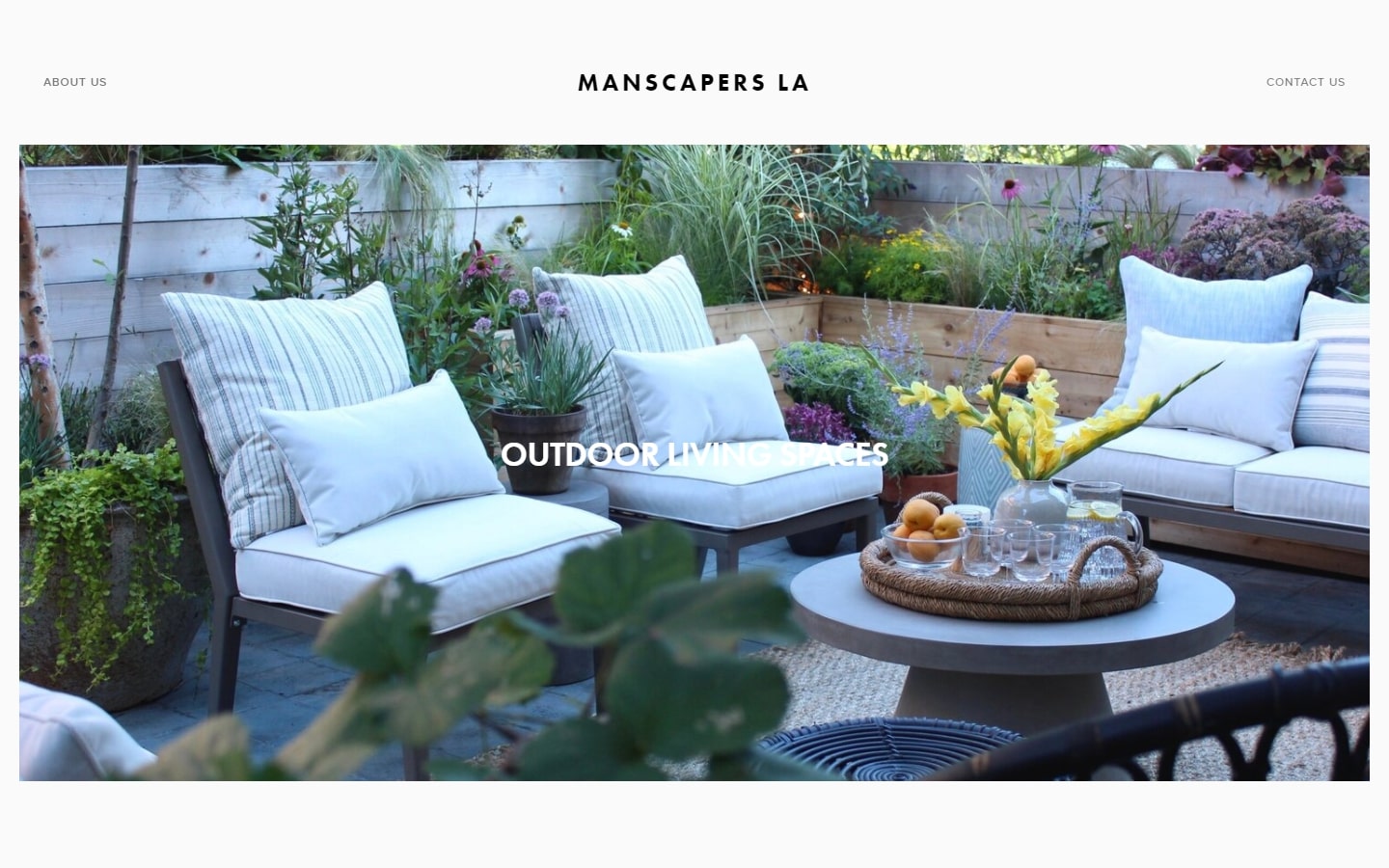
40. Manscapers LA
Why it works: Manscaper’s website design features images of their work at full scale, leaving few texts and plenty of white space.
Conclusion
After reading this blog post, you should now have a complete list of the best landscaping websites. Landscaping is a huge industry with many different companies out there vying for your business. We hope that after reading our guide, you will be able to make an educated decision on which company to work with and how to choose the right one.